
AI can already write code, explain errors, generate content, analyze data, and help developers solve problems much faster.
But there has always been a limitation.
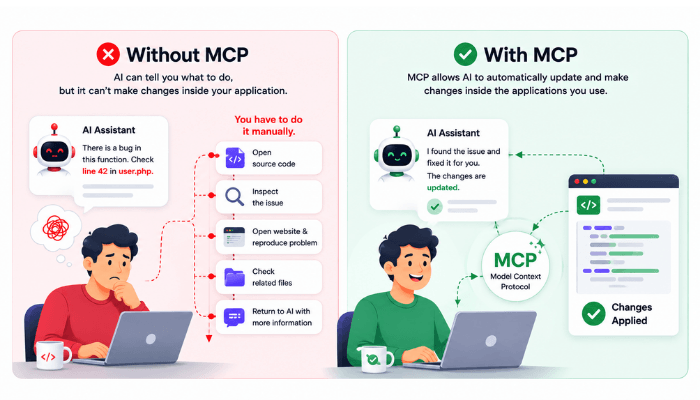
AI can often tell you what to do, but it cannot automatically update and make changes to your work directly inside the application you use unless it is given access to the required tools and permissions..
For example, you might ask an AI assistant to find a bug in your project. It can suggest where the problem might be, but you still need to open source code, check the issue, inspect the related files, open the website, reproduce the problem, and then return to the AI with more information.
That is exactly the kind of gap MCP (Model Context Protocol) is designed to reduce.
In this guide, we will first understand what MCP actually does, why it is needed, and then explore top WordPress MCP servers worth knowing.
What Is MCP?
MCP is an open protocol that acts as a connection layer between AI and software.
Before MCP, connecting an AI application to another tool usually meant creating a separate integration for that specific combination.
For example:
AI Assistant > Custom Integration > GitHub / Database / Browser
This is why MCP is often compared to a universal connector for AI integrations.
Why Do We Need MCP?
Earlier AI models were mainly designed to generate text. You gave them a prompt, and they returned an answer.
Later, AI systems started getting access to tools such as web search, APIs, code execution, databases, and browser automation.
That made AI much more useful because it could work with information outside its original model.
But it created another problem: every tool integration worked differently.
One application might require a REST API, another might need a custom Python script, another could expect a completely different command format.
So developers repeatedly had to build and maintain the connection between the AI and every tool.
MCP addresses this by providing a common protocol for exposing tools and data to AI applications. The AI still needs permission to use those tools, but the method for discovering and calling them becomes much more consistent.
How Does MCP Work?
MCP follows a client-server architecture.
- MCP Host: The host is the AI application (VS Code, Claude Desktop, or Cursor) you interact with. This could be an AI-enabled IDE, desktop application, coding assistant, or another application that supports MCP.
- MCP Client: Inside the host, an MCP client manages the connection with an MCP server. It handles communication with the server and makes the available tools or resources visible to the AI.
- MCP Server: The MCP server sits on the other side of that connection. Its job is to expose specific tools, data, or actions from another application or service.
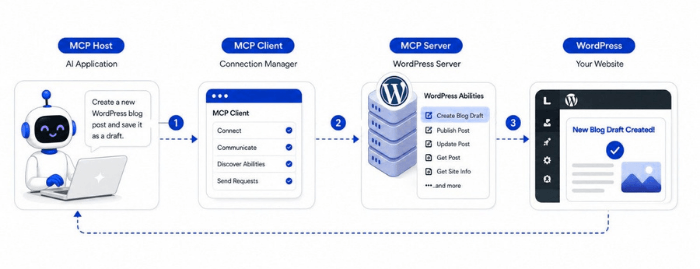
For example, suppose you ask: Create a new WordPress blog post and save it as a draft.
The AI does not directly know how to create a post inside WordPress.
First, the MCP client connects to the WordPress MCP server. The server then shows the AI (MCP host) which WordPress Abilities are available. If an Ability such as Create Blog Draft is available, the AI can use it to send the title and content to WordPress.
WordPress then creates the post and returns the result back to the AI.
Publish WordPress Posts Via MCP & AI
Use MCP to let AI create, edit, and publish content directly inside the WordPress.

The same process can be used for other WordPress actions, such as publishing posts, updating content, retrieving site information, or working with plugin-specific features.
6 Top WordPress MCP Servers
There is no single “best” MCP server. The right one depends on what you want your AI assistant to access or do.
Here are several practical options you should consider:
1. WordPress MCP Adapter
The WordPress MCP Adapter is the official option for connecting WordPress Abilities with MCP-compatible AI agents.
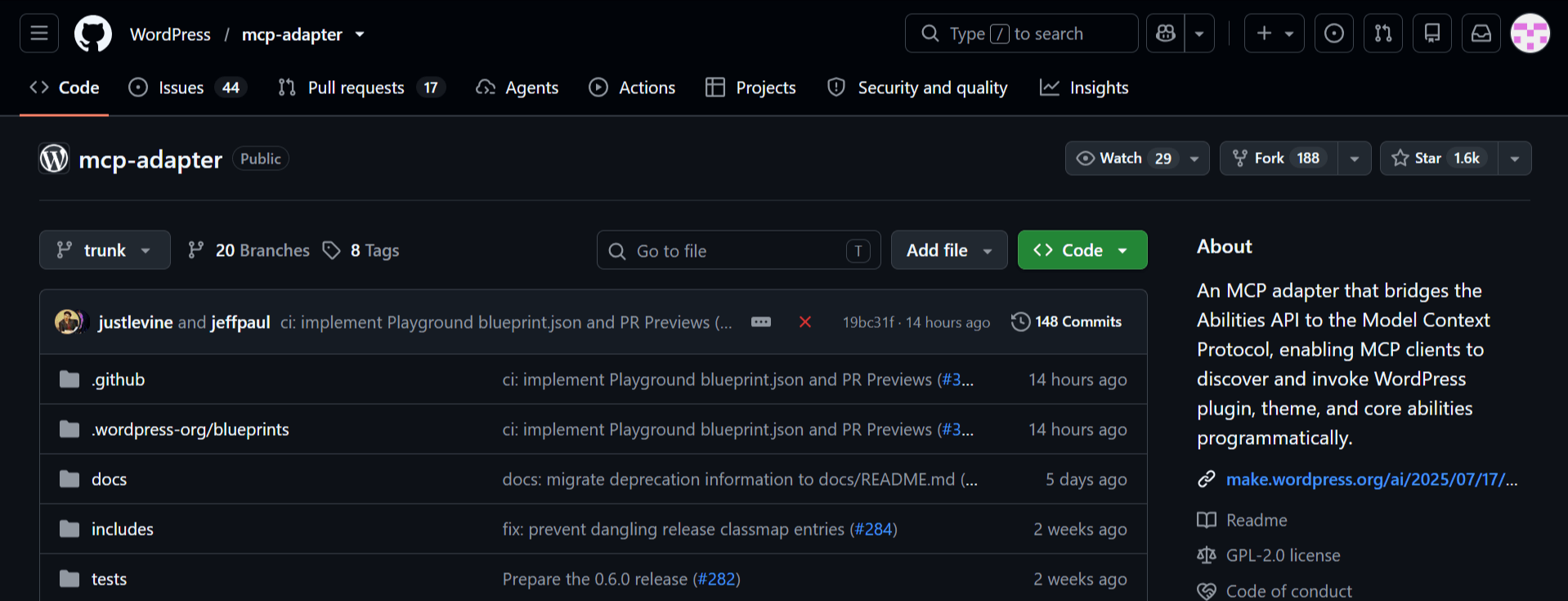
If you want AI to perform specific actions on your WordPress site, such as creating a draft, publishing a post, retrieving event data, or running a plugin-specific action, those tasks can be registered as WordPress Abilities and then exposed through the MCP Adapter.
The main advantage is that you decide exactly which WordPress actions should be available to AI instead of giving it a large fixed set of tools.
Best for: Developers who want to build around the official WordPress Abilities API and control which actions AI can access.
2. InstaWP WordPress MCP Server
The InstaWP WordPress MCP Server is a managed option for users who want to connect AI with WordPress without setting up and maintaining the MCP infrastructure themselves.
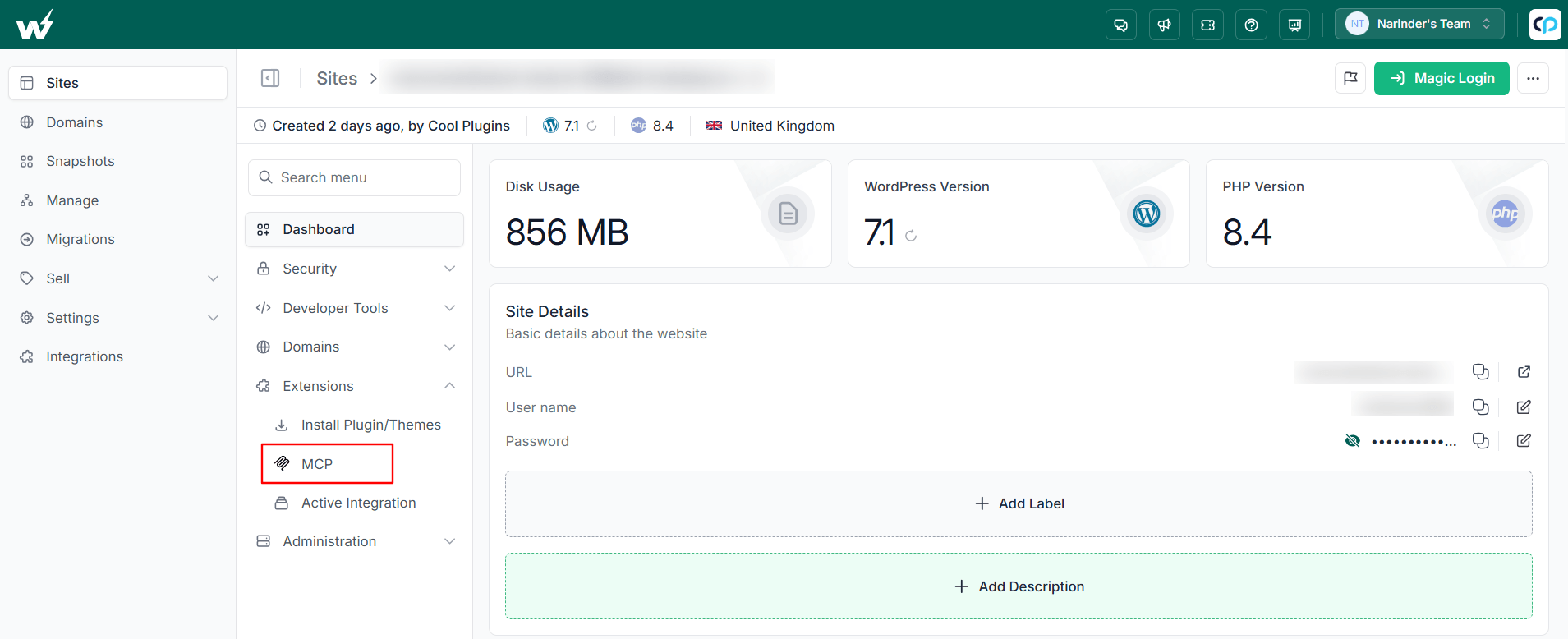
You can enable MCP from the InstaWP dashboard, generate the connection details, and connect a compatible AI application.
Once connected, AI can work with areas such as posts, pages, media, users, taxonomies, plugins, and themes.
Because InstaWP manages the server side for you, it is easier to get started and also works well with staging sites where you can test AI actions before using them on a live site.
Best for: Agencies, teams, or users who want a simpler managed MCP setup with less technical configuration.
3. InstaWP MCP-WP
InstaWP MCP-WP is the self-hosted version of InstaWP’s WordPress MCP solution. Unlike the managed InstaWP MCP Server, this option runs on your own system, giving developers more control over the setup and infrastructure.
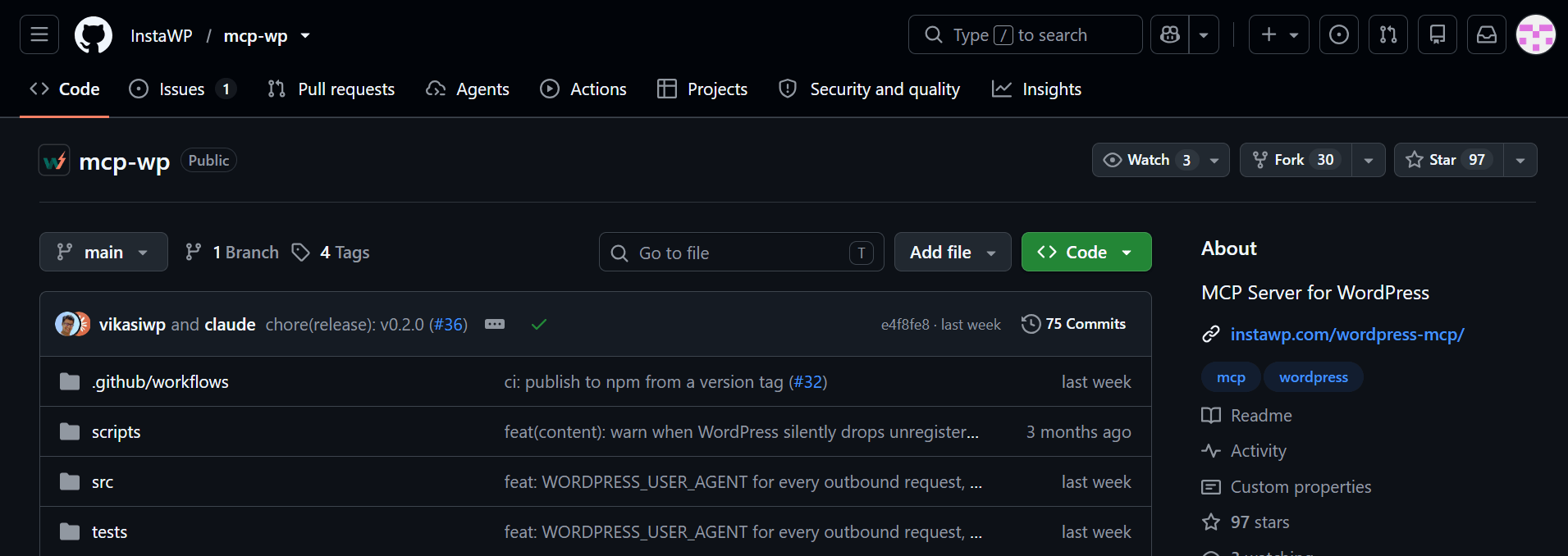
It comes with ready-made tools for working with WordPress content, media, users, comments, plugins, themes, and other site data.
So instead of creating a custom MCP tool for yourself, you can start with an existing set of WordPress actions while still keeping control of the server setup.
Best for: Developers who want a self-hosted MCP solution with ready-made WordPress tools.
4. docdyhr/mcp-wordpress
docdyhr/mcp-wordpress is useful when you want AI to access a wide range of WordPress functionality through the REST API.
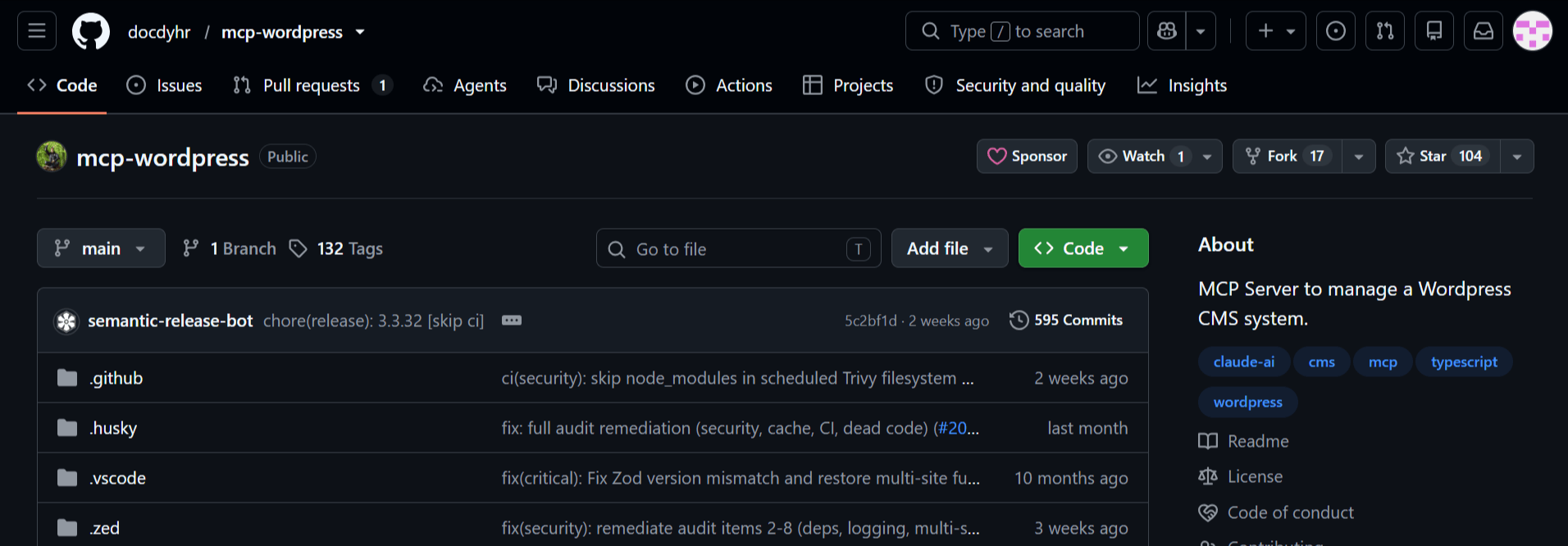
It includes around 71 ready-made tools, which means many common WordPress actions are already available without having to build separate MCP tools yourself.
For example, AI can work with posts, pages, media, users, comments, taxonomies, and other WordPress data supported by the REST API.
It can also be run using npm, Docker, or DXT, so developers can choose the setup that fits their environment.
Best for: Developers who want broad WordPress REST API coverage and a large number of ready-made MCP tools.
5. AI Command for WP-CLI
AI Command for WP-CLI is a good option if you already use WP-CLI to manage WordPress.
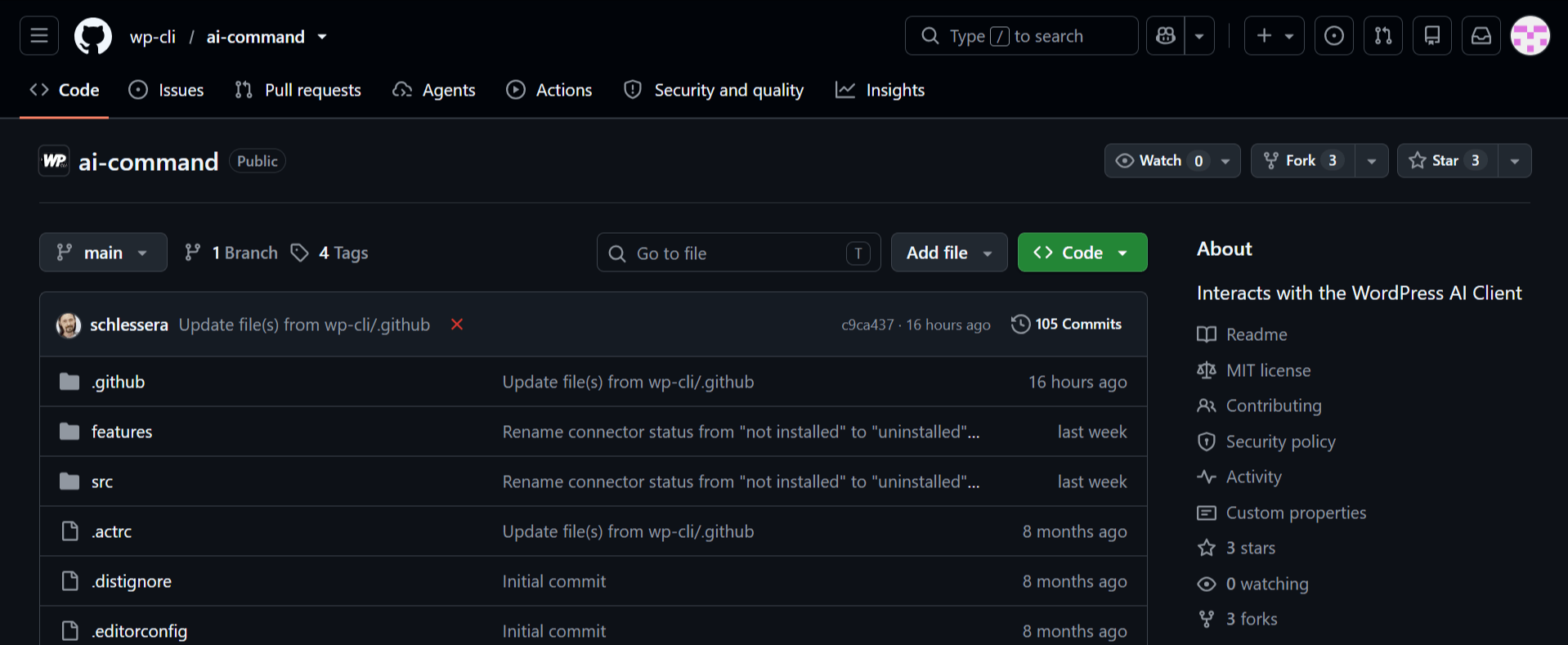
Instead of introducing a completely new set of WordPress tools, it allows AI agents to work with the same WP-CLI commands developers already use.
That means AI can potentially help with tasks such as managing posts and users, installing or updating plugins and themes, working with the database, and running other WP-CLI operations.
If WP-CLI is already part of your normal workflow, this lets you add AI without changing the way you manage WordPress.
Best for: Developers and agencies that already rely on WP-CLI and want to add AI to their existing command-line workflow.
6. WordPress-MCP
WordPress-MCP by Utsav Ladani is a good option for users who want AI-generated content to work properly with the Gutenberg block editor.
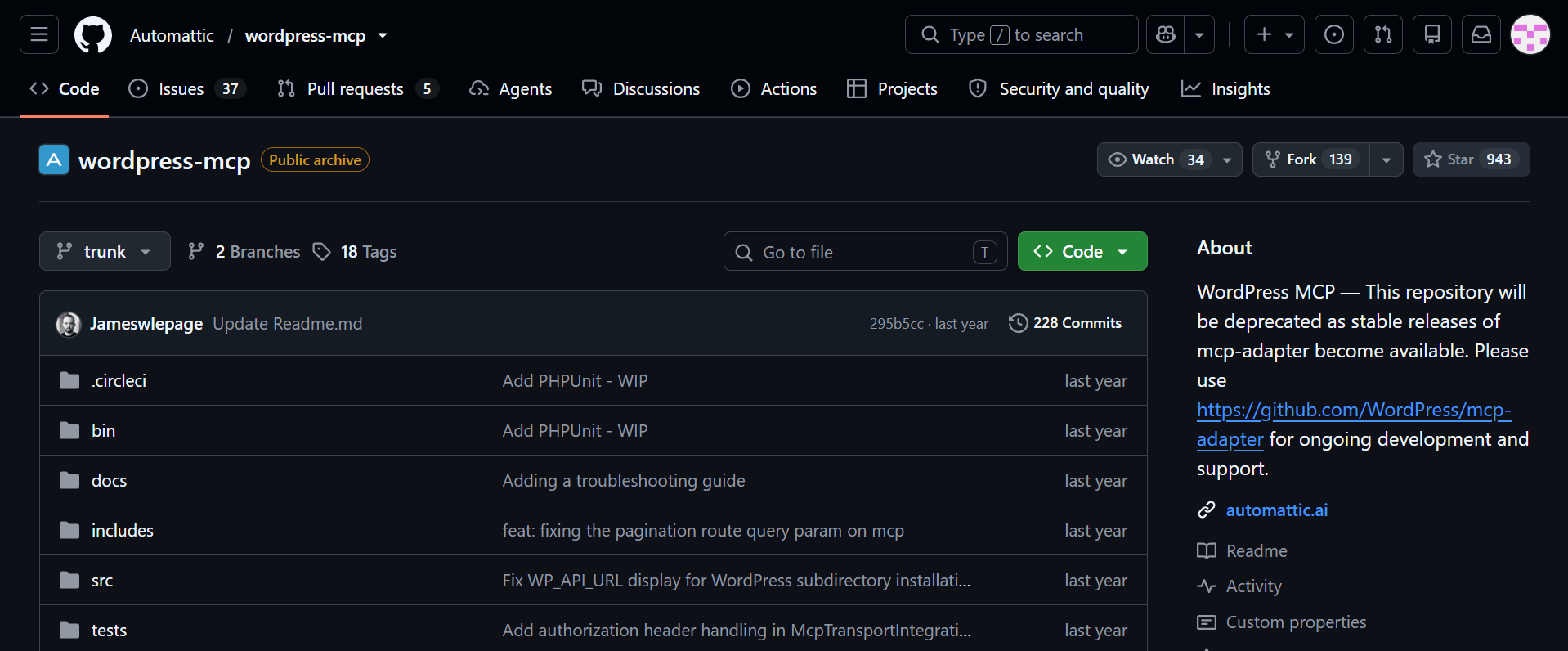
Instead of adding content as plain text or raw HTML, it understands WordPress block structure. This means AI can create posts with properly formatted headings, paragraphs, lists, images, and other Gutenberg blocks.
For bloggers and content-heavy websites, this can reduce the amount of manual formatting needed after the content is generated.
Best for: Bloggers, content teams, and developers who want AI-generated posts to be properly structured for Gutenberg.
Which WordPress MCP Server Solution Should You Choose?
The right option depends on how you want AI to work with your WordPress website.
| WordPress MCP solution | Best for | Why choose it? |
| WordPress MCP Adapter | Developers who want to follow the official WordPress approach | Works with the WordPress Abilities API and lets you control which actions AI can access. |
| InstaWP WordPress MCP Server | Users who want a managed setup | Reduces server configuration and provides an easier way to connect AI with WordPress. |
| InstaWP MCP-WP | Developers who prefer self-hosting | Provides ready-made WordPress tools while allowing you to manage the MCP server on your own infrastructure. |
| docdyhr/mcp-wordpress | Developers who need broad REST API coverage | Offers a large collection of ready-made tools for working with WordPress data through the REST API. |
| AI Command for WP-CLI | Developers and administrators who already use WP-CLI | Brings AI into existing command-line workflows and supports many familiar WordPress operations. |
| WordPress-MCP | Bloggers and content teams focused on Gutenberg | Helps AI create properly structured Gutenberg content instead of plain text or raw HTML. |
The important thing is not to choose the MCP server with the most tools, it is to choose the one that provides the WordPress actions your AI workflow actually needs.
Frequently Asked Questions
What is an MCP server?
An MCP server exposes tools, resources, or capabilities from another application or data source so an MCP-compatible AI application can discover and use them.
What is an MCP adapter?
An MCP adapter works as a MCP server to connect the functionality that already exists in another system to MCP. The WordPress MCP Adapter, for example, can expose eligible WordPress Abilities through MCP.
What is the difference between an MCP client and an MCP server?
The MCP client manages the connection from the AI application. The MCP server provides the external tools, resources, or capabilities available through that connection.
Is MCP an AI model?
No. MCP is a protocol for connecting AI applications with external tools and data. The AI model still handles language understanding and reasoning.
Can MCP allow AI to perform actions?
Yes, when the connected MCP server exposes actions, and the AI has permission to use them. The exact actions depend on the server and its permissions.
Can WordPress use MCP?
Yes. WordPress has the Abilities API for registering functionality, and the official WordPress MCP Adapter can make eligible Abilities available to MCP-compatible AI agents.
What MCP server should a developer start with?
Start with the workflow rather than the server. Filesystem is useful for local files, GitHub for repository workflows, Playwright for browser testing, and WordPress MCP Adapter for WordPress functionality.
Are all MCP servers safe to use in production?
No server should be trusted automatically. Check its source, permissions, authentication, maintenance, and security model before connecting it to important systems. Reference servers may also be intended primarily for learning and development rather than production use.