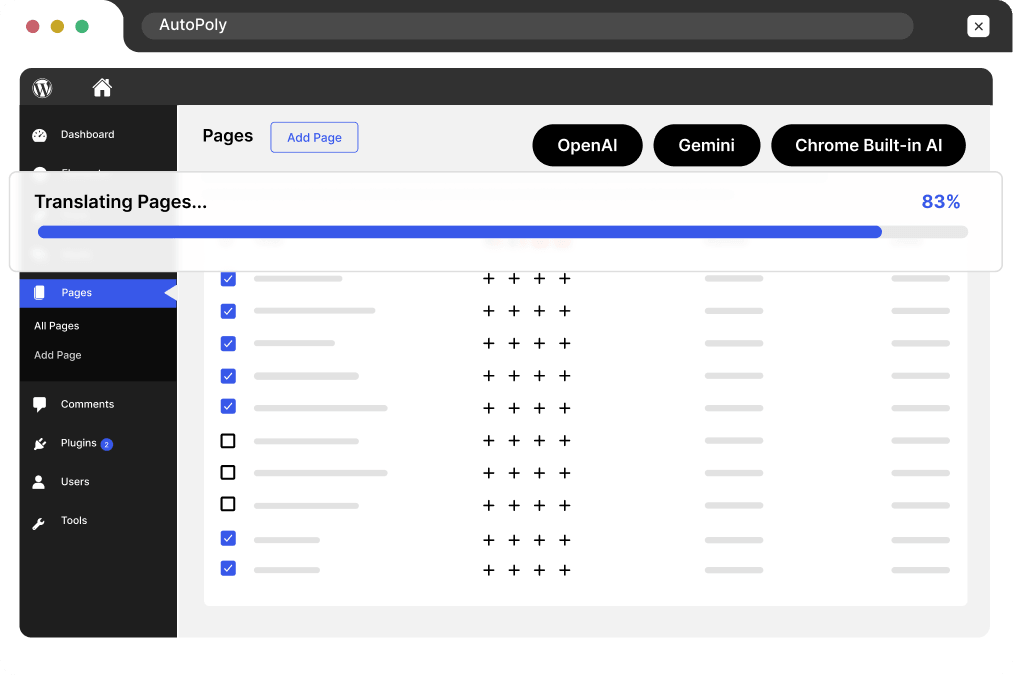

















AutoPoly – Polylang AI Translation Addon
Automatically translate your WordPress website with Polylang AI Translation using AutoPoly, with multiple AI translators, glossary control, page builders compatibility, and more.
Active Installs
5 Star Reviews
Overall Rating
Bulk Translating…
Workload Comparison
Manual Translation ~ Days of work
AutoPoly < 5 Mins
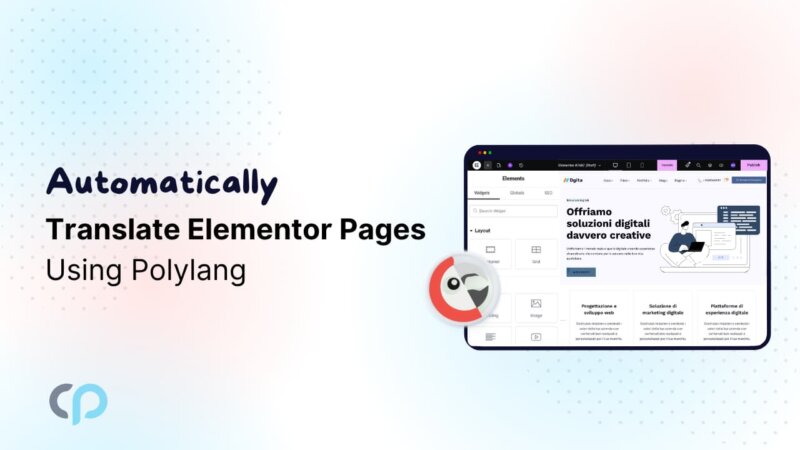
Fulfill the gap left by other plugins. Translate Elementor pages with Polylang along with Divi layouts, Gutenberg blocks, and more, ensuring smooth translation.
Supported AI Providers
AutoPoly gives you the freedom to choose from best AI models. Choose your preferred provider or connect your own API key to get started.
Most Accurate
Delivers highly accurate, context-aware translations using OpenAI in Polylang.
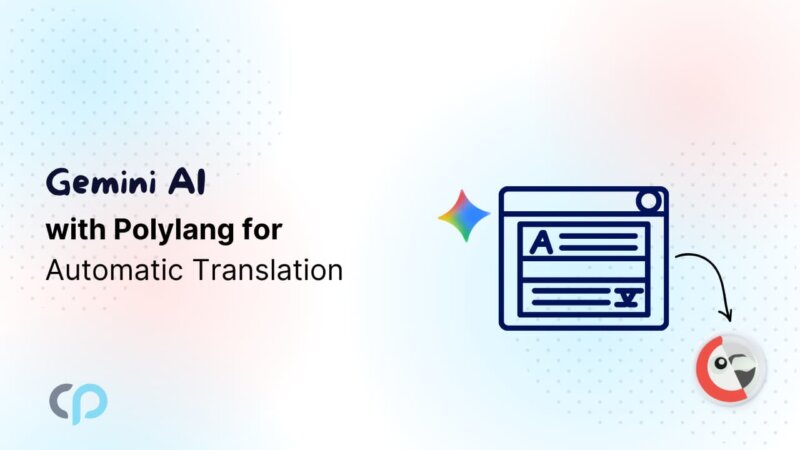
Use Gemini AI in Polylang for natural and accurate translations.
Smart Choice
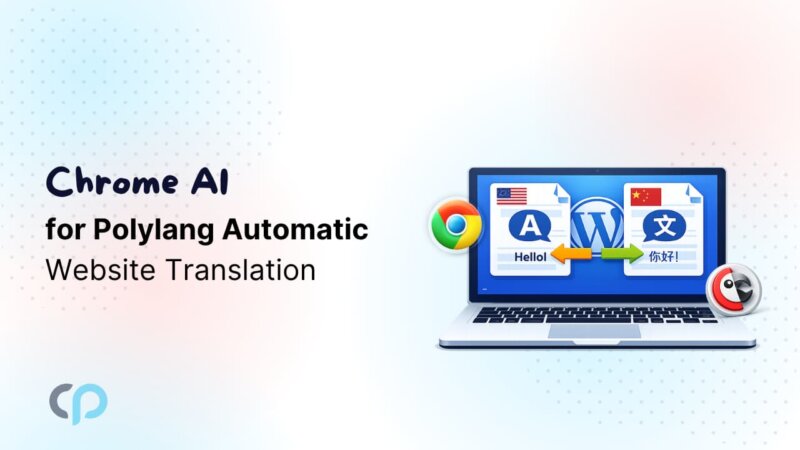
Translate content instantly using Chrome AI for Polylang without API keys or setup.
Recommended
Quick Setup
Fast and reliable option for instantly translating website content.
Use Google Translate in Polylang for reliable and widely trusted translation results.
Most Popular
Produces high quality translations with better accuracy for content.
High Quality
Everything You Need for AI Polylang Translation
Translate pages, templates, and bulk content with the Polylang AI addon, featuring retranslation and complete workflow control without additional cost.
Translate multiple pages, posts, and custom content in one click using AI in Polylang, saving hours of manual work effortlessly.
All BUILDER SUPPORT
Elementor templates, Divi layouts, and Gutenberg blocks translation in 1-click.
Add and customize a Polylang language switcher widget directly inside Elementor without limitations or additional setup.
Automatically update translated content whenever original content changes without redoing everything from scratch.
Define fixed translations for important terms in Polylang to maintain accuracy and consistency.
Result: Manual • Expensive • Time-Consuming
VS
Result: Automatic • Affordable • Fast


AutoPoly
Polylang Addon
Enjoy advanced translation features and flexibility while reducing overall costs and tool dependencies.
For 1 Website • 1 Year Plugin Updates
For 1 Website • Lifetime Plugin Updates
4 plugins bundle at a discounted price
AutoMLP – AI Translation for WPML
Secure SSL encrypted payment by PayPal & Stripe (Credit & Debit Cards)
Reviews
I was manually translating pages in Polylang before and it took a lot of time. With AutoPoly I can translate everything in one click and it really saves effort.

E-learning Platform Owner
The bulk translation feature is very helpful. I translated multiple pages together in Polylang instead of doing them one by one. Great Addon.

WooCommerce Store Owner
I like the retranslation option a lot. Whenever I update my content, I don’t need to redo translations again which makes managing my site easier.

WordPress Agency Owner
It works well with Elementor which was a big issue earlier in Polylang. Now I can translate my layouts properly without worrying about design breaking at all.

Blogger & Content Creator
The setup process was simple and quick. I am not very technical but I still managed to start using it without any confusion or problems.

WordPress Agency Owner
I like that I can choose different translation providers based on my needs. It gives flexibility and helps me get better results for different types of content.

WordPress Developer
Documentation
Step-by-step guides, tutorials & tips for multilingual website.
Stuck somewhere? Reach out to our helpful team for fast and friendly assistance.
AutoPoly is an AI translation for Polylang Plugin that helps you automatically translate your WordPress website into multiple languages using different translation tools.
You can translate your pages by clicking “Translate Now,” selecting a language, choosing a translation provider, and updating the content.
You can use tools like Yandex Translate, Google Translate, OpenAI, Google Gemini, DeepL, and Chrome built-in AI.
Yes, AutoPoly works with Elementor and lets you easily handle Elementor Page translation in Polylang, including translating pages, templates, and sections directly without manual effort.
Yes, AutoPoly supports Classic Editor translation in Polylang and also supports Divi, allowing you to translate Classic Editor content and perform Divi page translation.
No, there is no limit. You can translate an unlimited number of characters using your prefered translation provider.
Yes, with the bulk translation feature, you can translate multiple pages, posts, categories, and tags in one click.
We offer a 14-day refund policy. If you are not satisfied with the plugin for any reason, you can request a refund within 14 days of your purchase. For full details, visit our Refund Policy Page.
No complex setup or coding needed. AutoPoly works with Polylang to automatically translate your WordPress website using multiple translation options.
01
Install and activate AutoPoly with Polylang to enable automatic translation on your WordPress website.
Select your preferred translation option, connect API keys if needed, or use built-in translation features.
03
Automatically translate pages, posts, templates, and more in minutes with bulk and retranslation features.
Manage your preferences. Blocking some cookies may affect site features. You can find more information in our Cookie Policy and Privacy Policy.
Your browser is sending a Global Privacy Control signal, so advertising cookies stay off and that choice cannot be switched on here. Everything else is still yours to decide.
Essential cookies for site security, functionality and basic preferences.
| Cookie | Set by | Kept for |
|---|---|---|
cppb_consent
Stores the visitor's consent decision so the banner is only shown once.
|
CP Cookie Banner | configurable (default 365 days) |
Remember your preferences, like language and layout, for a better site experience.
| Cookie | Set by | Kept for |
|---|---|---|
cppt_session
Marks the current browsing session, so that a visit arriving from another website is credited once per session rather than on every page view. Contains no identifier.
|
Cool Plugins — CP Pricing Table | Session |
pll_language
Saves the chosen language.
|
Polylang | 1 year |
wp-settings-1
Stores user admin preferences.
|
WordPress core | 1 year |
wp-settings-time-1
Stores timestamp of WordPress admin preference change.
|
WordPress core | 1 year |
Help us improve the site using anonymous usage data, without personal targeting.
| Cookie | Set by | Kept for |
|---|---|---|
_clck
Persistent user identifier for session linking.
|
Microsoft Clarity | 1 year |
_clsk
Connects pageviews into a single session recording.
|
Microsoft Clarity | 1 day |
_ga
Distinguishes unique users.
|
Google Analytics | 2 years |
_ga_942V83ZG8Q
Persists session state per GA4 property.
|
Google Analytics 4 | 2 years |
Used to deliver and measure ads on this site and across the web.
| Cookie | Set by | Kept for |
|---|---|---|
_fbp
Identifies browsers for ad delivery and site analytics.
|
Meta (Facebook) Pixel | 90 days |
_gcl_au
Stores conversion linker information for Google Ads.
|
Google Ads | 90 days |
_rdt_uuid
Unique visitor identifier for Reddit ad attribution.
|
Reddit Pixel | 3 months |
_twpid
Identifies the browser to X so ad conversions can be attributed.
|
X (Twitter) Pixel | Session |
_twsid
Session identifier used by the X conversion pixel.
|
X (Twitter) Pixel | Session |