
AI translation tools have changed considerably over the last few years.
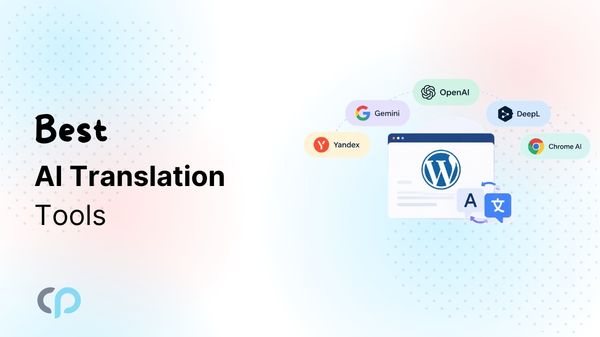
Traditional machine translation services such as Google Translate, Yandex Translate, and DeepL can translate large amounts of text quickly. At the same time, AI models such as Gemini, ChatGPT, and OpenAI’s API models can work with additional instructions and context to produce translations according to a particular audience, tone, or purpose.
There is also a newer category: browser-based translation. Chrome’s built-in Translator API and Edge built-in AI can perform translation directly through models managed by the browser instead of requiring every piece of text to be sent to an external translation service.
But these tools are not interchangeable.
Some are primarily translation engines. Others are general-purpose AI models capable of translation. Some are intended for developers, while others are designed for people who simply want to paste text and translate it.
In this guide, we’ll look at the top eight AI translation tools. We’ll compare how they work, their strengths, and their limitations.
How We Evaluated These AI Translation Tools
Rather than ranking tools only by how natural a single translated sentence sounds, we looked at factors that matter when translating website or application content.
These include:
- Translation approach: Whether the tool uses a dedicated translation model, a general-purpose language model, or browser-based translation.
- Developer access: Whether translations can be automated through an API.
- Context awareness: Whether the tool can understand surrounding content and accept additional instructions to produce more accurate translations.
- Terminology control: Whether the service supports glossaries, terminology rules, or prompt-based terminology instructions.
- Website integration: How easily the technology can be integrated into websites, web apps, or existing translation workflows.
- Cost and usage limits: Whether the service is free, subscription-based, pay-as-you-go, character-based, token-based, or subject to usage limits.
Because translation accuracy varies by language pair, content type, prompt, model version, and subject matter, we have not assigned artificial accuracy percentages without running the same controlled benchmark through every service.
Quick Overview: AI Translation Tools
| Tool | Translation Type | API | Context Control | Glossary / Terminology | Best Suited For |
| Yandex Translate | Machine translation | Yes | Limited | API-based controls vary | High-volume automated translation |
| Google Translate Widget | User-facing translation widget | No | Limited | No | Quick manual translation on mobile devices |
| DeepL | Specialized Language AI | Yes | Yes | Yes | Professional translation and terminology consistency |
| OpenAI | Generative AI / LLM | Yes | Strong | Prompt-based | Context-aware automated translation |
| Gemini AI | Generative AI / LLM | Yes | Strong | Prompt-based | Large-context and developer workflows |
| ChatGPT | Generative AI assistant | Not the same as API access | Strong | Prompt-based | Interactive and manually reviewed translation |
| Chrome Built-in AI | Browser-managed translation model | Browser API | Task-focused | Limited | Client-side and privacy-conscious translation |
| Microsoft Edge Built-in AI | Browser-managed translation model | Browser API | Task-focused | Limited | On-device, private browser-based translation |




1. Yandex Translate
Type: Machine translation service
API: Yes
Languages: 100+
Pricing: Usage-based through Yandex Cloud
Best for: Automated website and application translation
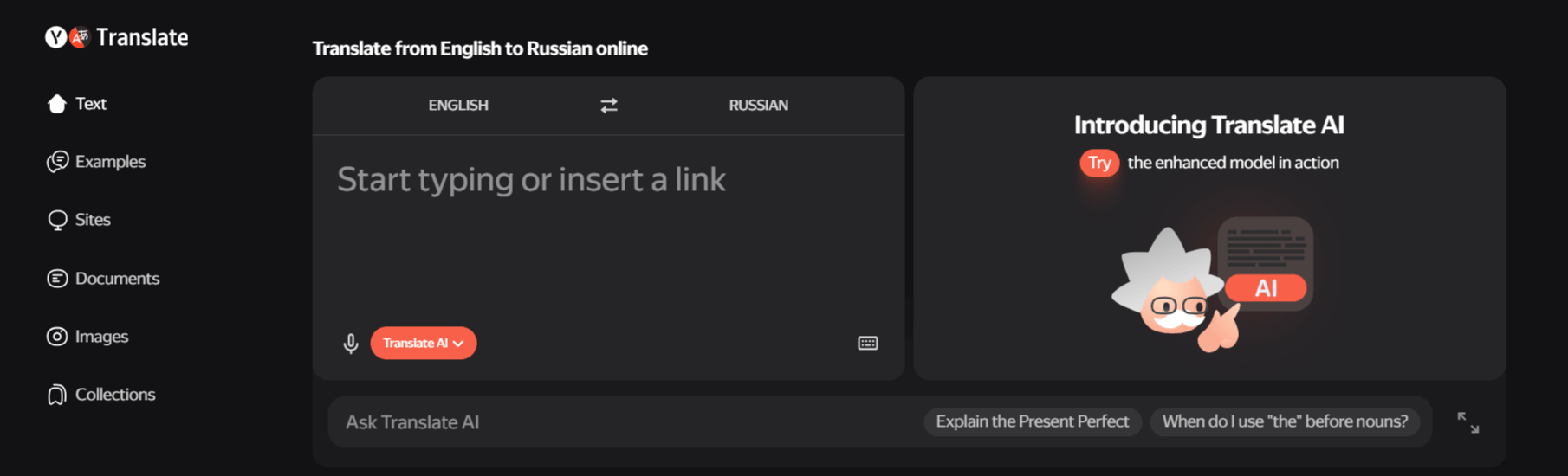
Yandex Translate is part of Yandex Cloud and provides developers with an API for integrating machine translation into websites and applications.
According to Yandex Cloud, the service supports translation of words and complete text across more than 100 languages. It can be accessed programmatically through its translation API.
Yandex Translate works by sending source text, source and target language information, and authentication credentials to the Yandex Translate API.
The service processes the request and returns translated text that can then be pasted into an application, CMS, or website.
Because it is an API-based translation engine, it is particularly useful when translations need to happen automatically rather than through a manual translator interface.
Pros
- Supports more than 100 languages
- Provides REST/API access
- Suitable for automated translation
- Can be integrated directly into web applications
- Useful for high-volume workflows
Cons
- Less control over style and reasoning than general-purpose LLMs
- Translation quality can vary by language pair
- Requires Yandex Cloud configuration for API integration
- Advanced localization workflow features generally need to be built around the API
2. Google Translate Widget
Type: Translation widget
API: No
Languages: Supports Google Translate’s available language pairs
Best for: Quick, everyday translation directly from a mobile device
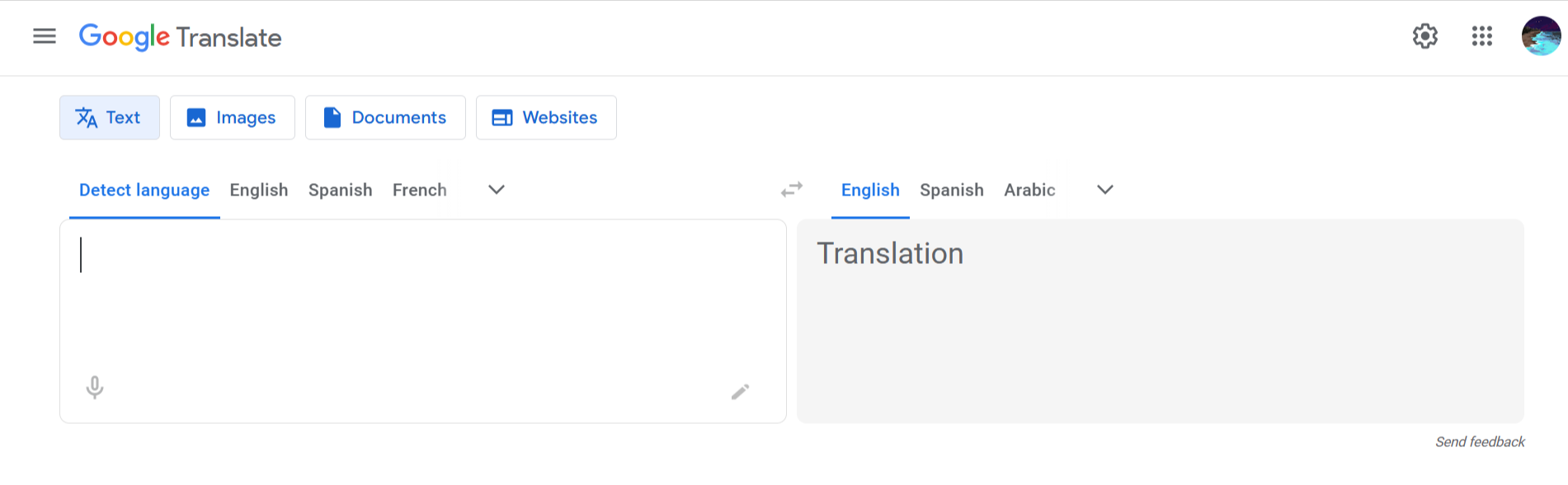
Google Translate Widget gives users quick access to Google Translate without needing to open the app and navigate through different options every time.
The widget is available through the Google Translate app on supported Android, iPhone, and iPad devices. Once added to the home screen, users can quickly access different translation features.
For example, if you regularly translate messages between English and Spanish, the widget can provide a faster way to open Google Translate with those languages ready to use.
Google notes that some widget actions may not be available for every language pair.
Unlike translation APIs such as DeepL, Yandex, OpenAI, or Gemini, Google Translate Widget is mainly designed for individual users rather than developers building automated translation workflows.
It does not provide an API for automatically sending website or application content for translation.
Pros
- Easy to access from the device home screen
- Supports multiple translation methods
- Useful for quick everyday translations
- Voice and conversation translation available for supported languages
- Camera translation can help translate visible text
- Clipboard translation makes it easier to translate copied content
Cons
- Not designed for automated website translation
- Does not provide a developer translation API
- Requires the Google Translate app
- Some features depend on the selected language pair
- Does not provide translation memory or glossary management
- Not suitable by itself for managing multilingual WordPress content
3. DeepL
Type: Specialized Language AI
API: Yes
Languages: 100+
Glossary: Yes
Best for: Professional translations requiring terminology consistency
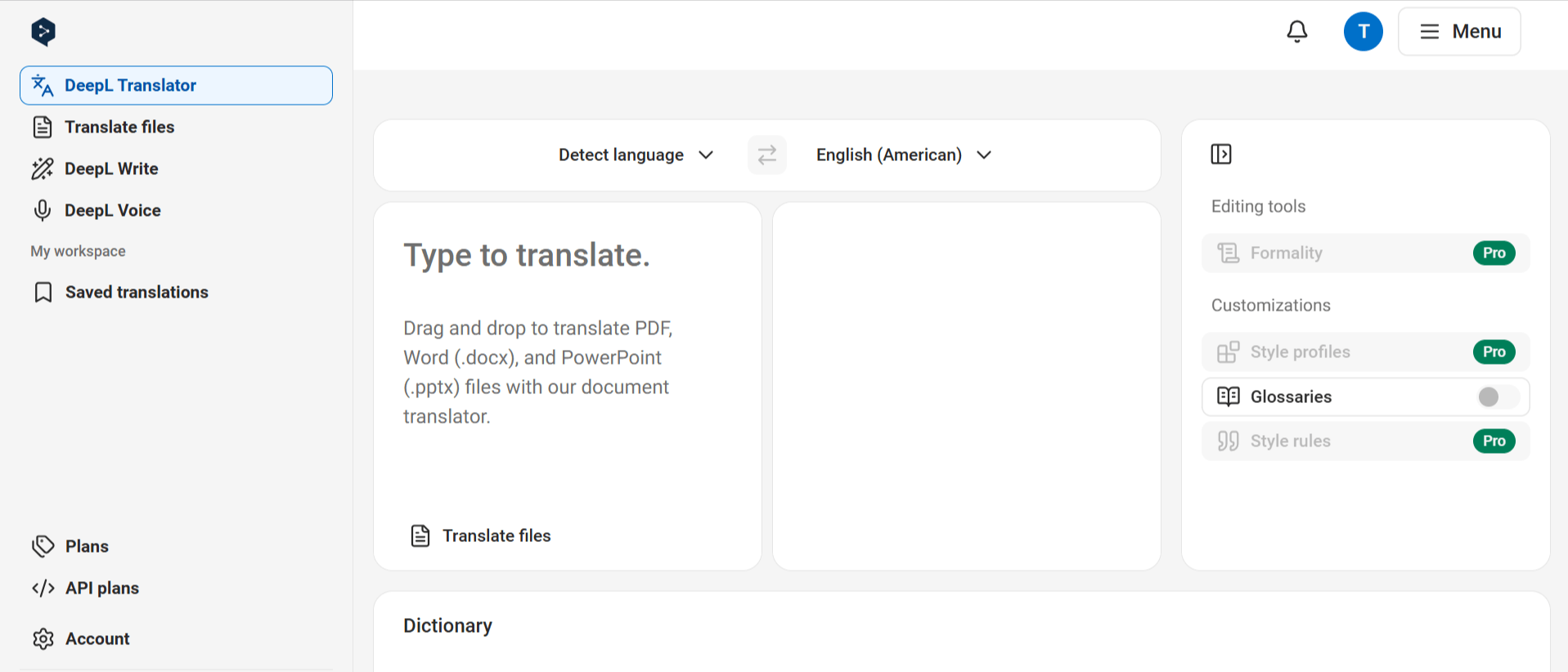
DeepL is different from general-purpose tools such as ChatGPT and Gemini because language translation is one of its primary product areas.
DeepL provides web translation as well as APIs that developers can integrate into their products. Its developer platform currently supports translation of text and documents and lists 100+ supported languages.
You can use DeepL directly through its translator or send content to the DeepL API.
Additionally, DeepL also supports translating HTML and XML content through its API, which can be useful for structured website content.
Pros
- Translation-focused platform
- Developer API
- Glossary support
- Formality controls
- HTML/XML translation support
- Document translation
- Useful terminology-management features
Cons
- API access requires a separate API plan
- Pricing can increase with translation volume
- Some features depend on the selected subscription
- Language and feature availability vary
DeepL currently separates its normal Translator subscriptions from API subscriptions, so subscribing to the translator does not automatically provide translation API access.
4. OpenAI
Type: Generative AI / LLM
API: Yes
Pricing: Token-based, depending on model
Context instructions: Strong
Best for: Customized and context-aware translation workflows
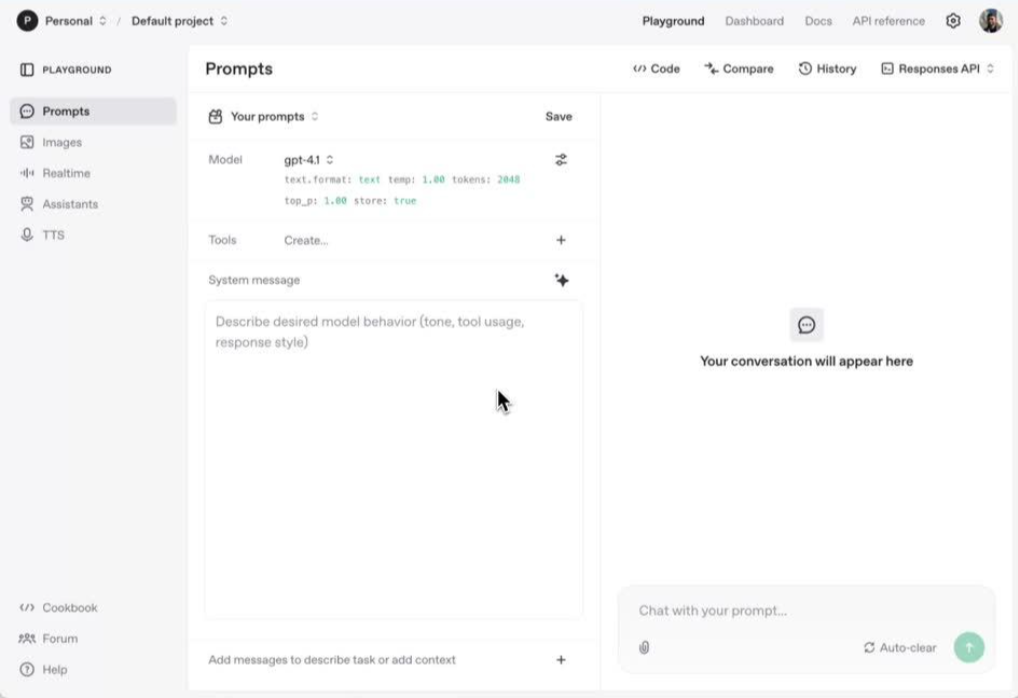
OpenAI’s API models are not dedicated machine-translation engines in the traditional sense.
They are general-purpose multimodal language models with multilingual capabilities. Current OpenAI models support multilingual text processing and can therefore be instructed to translate content while following additional context and formatting requirements.
Instead of simply supplying: English > Spanish, users can provide much more detailed instructions.
For example:
Translate this WordPress product description into Spanish. Keep the HTML unchanged, preserve the product name “Linguator,” use formal Spanish, and do not translate shortcode attributes.
That additional context is one of the major differences between an LLM and traditional machine translation.
Pros
- Strong contextual instructions
- Flexible terminology control through prompts
- API integration
- Can preserve structured formats when carefully prompted
- Can translate and transform content within the same workflow
- Multiple models for different cost/performance requirements
Cons
- Not a dedicated translation engine
- Output can vary between runs
- Prompt design matters
- Terminology rules must usually be implemented by the application
- Human review is sensible for important content
- Token usage makes translation cost less straightforward than character-based services
5. Gemini AI
Type: Generative AI / LLM
API: Yes
Free tier: Available for selected models and usage
Pricing: Token-based
Context instructions: Strong
Best for: Developer-controlled, high-context translation workflows

Google’s Gemini API offers general-purpose multimodal models that can also perform translation.
Like OpenAI models, Gemini is not simply a traditional translation engine. Users can provide instructions, surrounding information, terminology requirements, and structured content alongside the text being translated.
Google even describes Gemini 3.1 Flash-Lite as being optimized for high-volume tasks including translation and simple data processing.
You can send source content to the Gemini API along with instructions describing how the translation should behave.
You can specify requirements such as target language, tone, terminology, formatting, audience, and more. This is useful when translating structured content rather than isolated sentences.
Google provides both free and paid usage tiers for various Gemini models. Pricing varies considerably by model.
Pros
- Strong contextual prompting
- API access
- Multiple cost/performance model options
- Free tiers available for certain models
- Useful for structured and large-context content
- Can combine translation with other AI processing
Cons
- Not a dedicated translation-management platform
- Output consistency depends partly on prompts
- Model names and pricing change over time
- Terminology management usually needs application-level instructions
- Important translations should still be reviewed
6. ChatGPT
Type: AI assistant
Context instructions: Strong
Files: Supports common documents and text-based formats
Best for: Interactive translation, review, rewriting, and translation QA
ChatGPT can also translate content, but it should not be confused with the OpenAI API.
ChatGPT is the conversational product used directly by people, whereas the OpenAI API is intended for developers building automated applications.
A user can paste content and ask ChatGPT to translate it. However, one of its major advantages over a simple text translator is that users can continue the conversation.
For example, you could start with a simple instruction like, “Translate this into French.” Then refine the result with instructions such as, “Keep the technical WordPress terms in English.” Finally, you might ask, “Compare the French version with the original and identify anything that changed the meaning.” This iterative workflow can be particularly useful for content teams that need more control over translation quality, terminology, and tone.
Pros
- Easy conversational workflow
- Can follow terminology and tone instructions
- Useful for translation review
- Can explain questionable translations
- Supports common document uploads
- Useful for comparing source and translated content
Cons
- Manual ChatGPT workflows are not the same as automated API translation
- Output may vary depending on instructions
- Not a full translation-management system
- Large-scale CMS automation normally requires API integration
- Critical translations still benefit from human review
7. Chrome Built-in AI Translator API
Type: Browser-managed translation model
Processing: Client-side
Best for: Privacy-conscious, client-side, dynamic translation
Chrome’s Translator API represents a different approach to translation.
Instead of sending every translation request to a traditional hosted API, Chrome provides a translation capability managed by the browser.
A website can first check whether the browser supports the API. The application can then check whether the required translation model is available.
If necessary, Chrome downloads the appropriate model before the translation takes place.
Chrome also provides a separate Language Detector API, which can identify the source language before translation.
Chrome’s built-in approach is different because it allows translation to happen through browser-managed models on the user’s device.
Google specifically notes that client-side translation can save hosted translation costs and avoid uploading ephemeral content to a translation server. The Translator and Language Detector APIs currently work in Chrome on desktop and do not work on mobile devices.
Pros
- Client-side translation
- No conventional translation API request for each translation
- Potentially lower server-side translation cost
- Better privacy for suitable workflows
- Available through JavaScript
- Language detection API available alongside translation
Cons
- Browser support must be checked
- Desktop-focused
- Not currently supported on mobile
- Models may need to download before first use
- Language-pair availability can vary
- A fallback service is advisable for unsupported devices
8. Microsoft Edge Built-in AI Translator API
Type: Browser-managed translation model
Model: Task-specific translation model built into Microsoft Edge
Best for: Private, on-device translation in Microsoft Edge
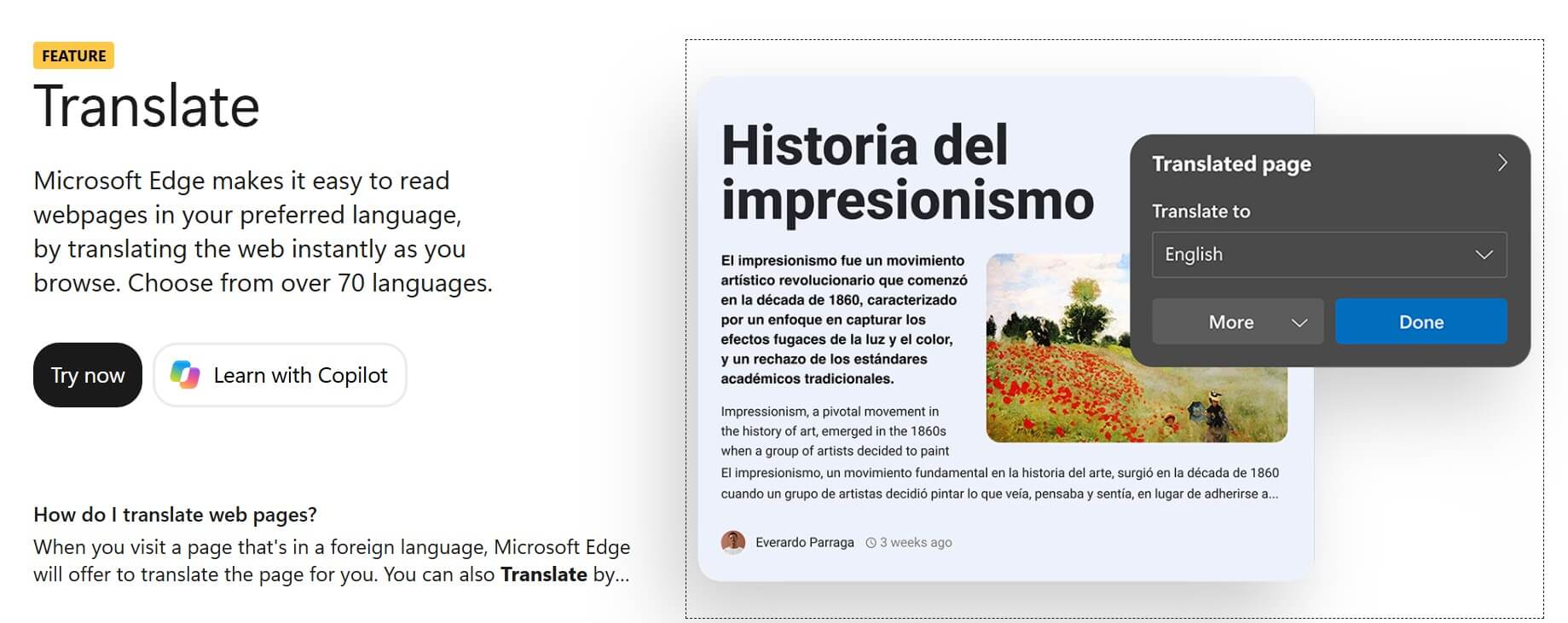
Microsoft Edge also provides a built-in Translator API that allows websites and browser extensions to translate text directly through JavaScript.
The Translator API is powered by a task-specific machine translation model built into Microsoft Edge. Unlike a cloud-based translation service, the translation model runs locally on the same device where the text is being used.
When a specific language pair is used for the first time, Edge downloads the required translation model. After the model has been downloaded, it can be shared across websites using the browser.
After the required model has been downloaded, translations can also work without a network connection.
Pros
- Translation runs locally on the user’s device
- No cloud translation service cost for local translations
- Can work offline after the required model is downloaded
- Translation input does not leave the device
- Available through a JavaScript web API
- Can be combined with Edge’s Language Detector API
Cons
- Browser support must be checked before using the API
- Translation models need to be downloaded before first use
- Language-pair availability can vary
- Designed for Microsoft Edge environments
- Cloud translation services may offer more advanced capabilities
- A fallback translation service is advisable for unsupported browsers or devices
AI Models vs Machine Translation: What’s the Difference?
One of the most important things to understand is that not every tool on this list solves translation in the same way.
Machine Translation Engines
Examples:
- Yandex Translate
- DeepL
- Google Translate
These services are primarily designed to translate content from one language to another. They are generally straightforward to automate and can be very efficient for large amounts of text.
General-Purpose AI Models
Examples:
- OpenAI models
- Gemini
- ChatGPT
These systems can translate, but translation is only one of their capabilities. Their advantage is the amount of context and instructions you can provide.
Browser-Based Translation
Chrome’s Translator API and Microsoft Edge’s Translator API belong to a newer category.
Rather than depending entirely on a remote translation API, supported translation models are managed by the browser, and translation can happen on the client device.
Which AI Translation Tool Should You Use?
AI translation is moving beyond simply converting sentences from one language into another. The right provider should fit your content, workflow, budget, privacy requirements, and level of control.
Instead of asking “Which translation tool is the best?”, it is more useful to ask:
“Which translation tool is best for the way I work?”
Once you know whether your priority is translation quality, automation, terminology control, flexible AI instructions, or on-device privacy, choosing the right provider becomes much easier.
In many cases, you also do not need to rely on only one provider. A practical setup could use a cloud translation service such as DeepL, OpenAI, Gemini, or Yandex as the main provider, while using Chrome or Edge Built-in AI when local translation is available.
Frequently Asked Questions
What is the best AI tool for translation?
There isn’t one translation tool that is ideal for every workflow.
Dedicated translation services such as DeepL and Yandex are useful for straightforward machine translation, while general-purpose AI models such as OpenAI and Gemini allow more detailed instructions and contextual control.
The right choice depends on languages, content type, translation volume, terminology requirements, privacy, and how the translations will be published.
Can ChatGPT translate websites?
ChatGPT can translate website text and can work with supported uploaded documents, but ChatGPT itself is not a WordPress multilingual content-management system.
To automatically translate and publish website content at scale, developers normally need an API or a dedicated integration.
Is DeepL an AI translator?
Yes. DeepL describes its developer product as a Language AI platform and provides APIs for translating text, HTML, documents, and other supported content.
Can Gemini translate content?
Yes. Gemini models can perform translation through instruction-based prompts. Google currently describes Gemini 3.1 Flash-Lite as being optimized for high-volume tasks, including translation.
Is Yandex Translate available through an API?
Yes. Yandex Cloud provides translation API access and states that Yandex Translate supports more than 100 languages.
Does Chrome have a built-in translation API for websites?
Yes. Chrome’s Translator API is available in Chrome stable on supported desktop environments. Translation uses browser-managed models, and required language models may be downloaded on demand. It currently does not work on mobile devices.