
WordPress Ecosystem offers thousands of free WordPress themes for your websites.
One theme promises better speed. Another gives you hundreds of design options. Some offer beautiful starter websites, while others look almost empty until you install a page builder.
So, with that many options, which WordPress theme should you actually use?
To answer that, we reviewed some of the most popular free WP themes and looked at the things that matter when you are building a real website: ease of use, customization, starter templates, WordPress editor support, page-builder compatibility, WooCommerce features, and, most importantly, what you actually get without paying for Pro.
After comparing them, these are the 9 best free WordPress themes you should consider for your website.
Best Free WordPress Themes: Quick Comparison
| Theme | Best For | Beginner Friendly | WooCommerce | Starter Designs |
| Astra | Best overall | Excellent | Excellent | Excellent |
| Blocksy | Customization & stores | Excellent | Excellent | Very Good |
| Kadence | Easy website building | Excellent | Very Good | Excellent |
| GeneratePress | Lightweight websites | Good | Good | Limited in Free |
| OceanWP | WooCommerce websites | Good | Excellent | Good |
| Neve | Blogs & small businesses | Excellent | Very Good | Very Good |
| Hello Elementor | Elementor websites | Good | Good | Elementor-based |
| Sydney | Business & portfolio sites | Excellent | Good | Limited in Free |
| Zakra | Ready-made website designs | Excellent | Good | Excellent |
If you simply want the safest option without spending hours comparing themes, Astra is our overall pick.
However, that does not mean Astra is automatically the best theme for everyone. For example, for Elementor users, Hello Elementor is the best option, while for someone creating an online store, Blocksy or OceanWP is better.
That is why it is worth looking at each theme properly before deciding.
How We Choose Free WordPress Themes
A theme can look beautiful in a demo and still be frustrating when you start building your own website.
So instead of judging themes only by their screenshots, we looked at how useful their free versions actually are.
We considered ease of setup, customization options, header and footer controls, starter websites, Gutenberg support, popular page-builder support, WooCommerce compatibility, mobile-friendly design, and the theme’s overall approach to performance.
There is one more thing to understand before we continue.
Most themes in this list are freemium themes. You can use the main theme for free, but some advanced features require the paid version. Therefore, our focus here is not on everything the company offers. We are mainly interested in what you can do without buying the theme.
With that clear, let’s start with the theme that gives the most balanced experience.
1. Astra
Best for: Blogs, business websites, portfolios, WooCommerce stores, freelancers, and beginners.
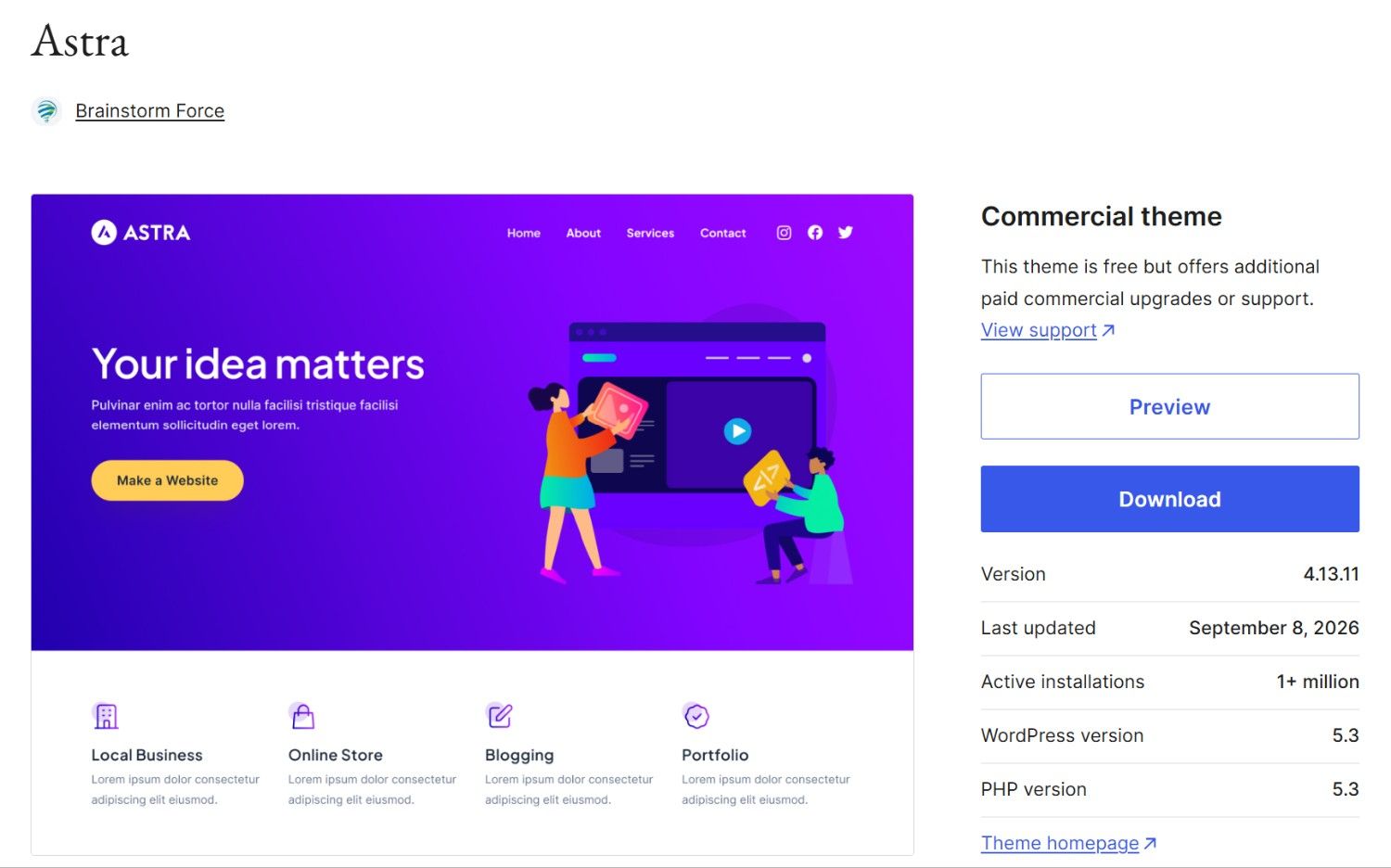
Astra is one of those themes that is easy to recommend because it works well for many different types of websites.
When you first start building a site, you probably do not want to spend hours changing basic things such as the header, fonts, colors, and page width. Astra gives you useful controls for these areas while keeping the setup fairly simple.
Its header and footer builders are especially helpful for beginners. Instead of editing theme files, you can arrange important items such as your logo, menu, buttons, and social icons using visual controls.
Another big advantage is its starter-template ecosystem. If you do not want to design every page from scratch, you can start with an existing website design and then replace the content, images, and colors with your own.
Astra also works well with Gutenberg and popular page builders such as Elementor. Because of this, you are not forced into one specific way of creating your pages.
For online stores, Astra also works with WooCommerce and gives you a good foundation for building product pages and shop layouts.
Where Astra Could Be Better
Astra Free gives you enough to build a complete website, but you will notice Pro options inside the customization experience. Features such as more advanced layouts and some advanced WooCommerce or header options require an upgrade.
Still, the free version never feels like a simple demo.
Our Take on Astra
If you are creating your first WordPress website and you are not yet sure which builder or plugins you will use, Astra is the theme I would recommend.
It gives you more options without making the first setup complicated. However, if customization is your main priority, the next theme becomes even more interesting.
2. Blocksy
Best for: Modern websites, WooCommerce stores, blogs and users who want more design control.
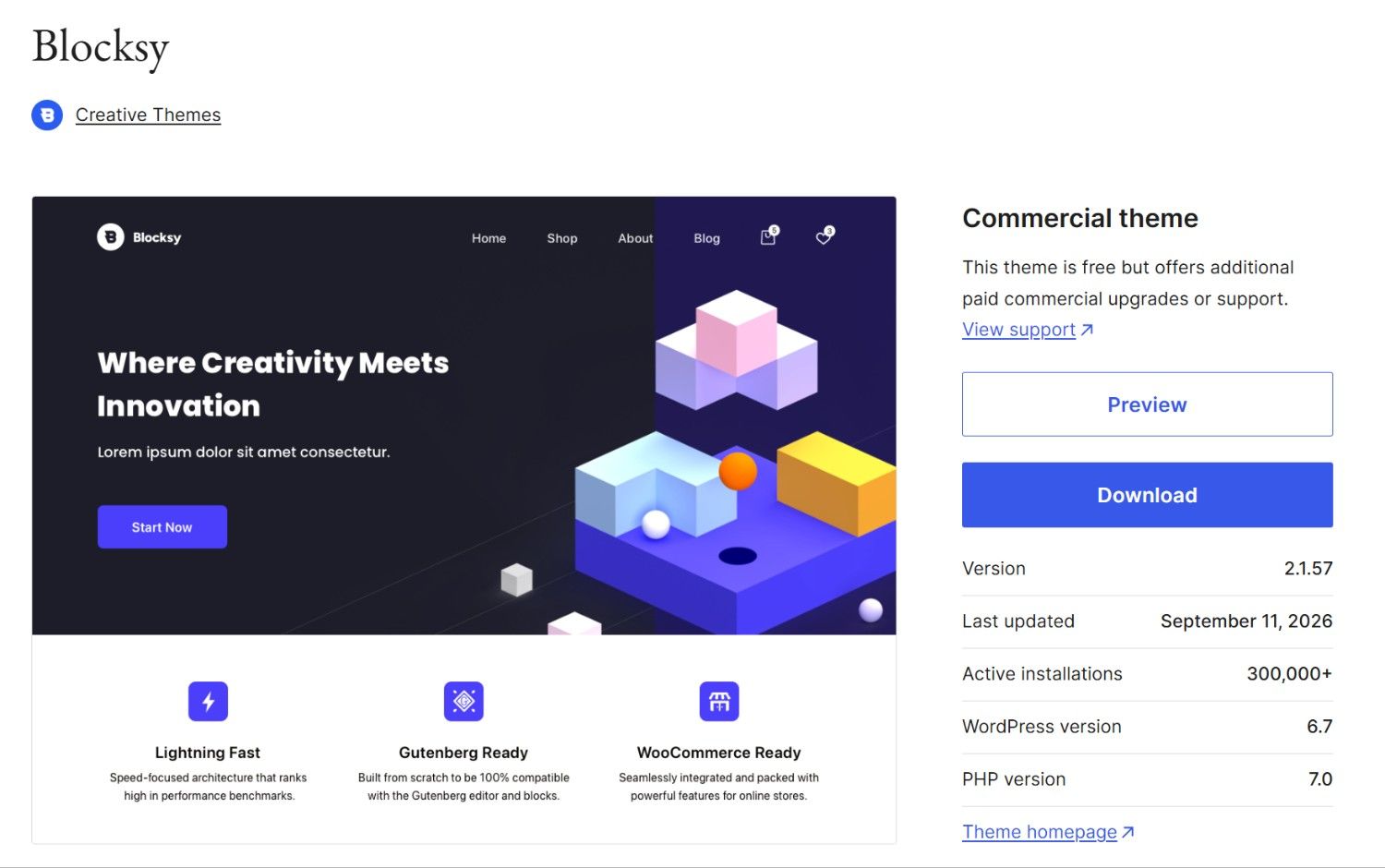
Blocksy feels more modern than many traditional WordPress themes, especially when you start exploring its customization options.
The theme gives you strong control over site-wide colors, typography, page layouts, sidebars, headers, and footers. Most of these settings are organized inside the WordPress Customizer, so you can see changes while you make them.
That makes a big difference for users who do not want to write CSS every time they want to change a small design detail.
Blocksy also has a drag-and-drop approach for building headers and footers. So, for example, you can create a header with your logo, navigation, search, account links or other useful elements without coding.
Another area where Blocksy stands out is WooCommerce. If you are planning to sell products, it provides a strong theme foundation for creating a modern online store.
Starter websites are available as well. To access the full Blocksy experience, including starter sites and some extra features, you can use the free Blocksy Companion plugin alongside the theme.
Where Blocksy Could Be Better
Because Blocksy gives you many settings, the customizer can initially feel a little busy.
Also, some advanced features, such as more complex conditional headers and content systems, need Blocksy Pro.
However, the free version still gives you a surprising amount of control.
Our Take on Blocksy
If you want to adjust the details of your website instead of accepting the theme’s default design, Blocksy is one of the strongest free options available.
I would particularly consider it for a WooCommerce site where design control matters.
Astra is easier to recommend to almost anyone, while Blocksy is way better when you want deeper customization.
3. Kadence
Best for: Small businesses, blogs, agencies, online stores and users building with Gutenberg.
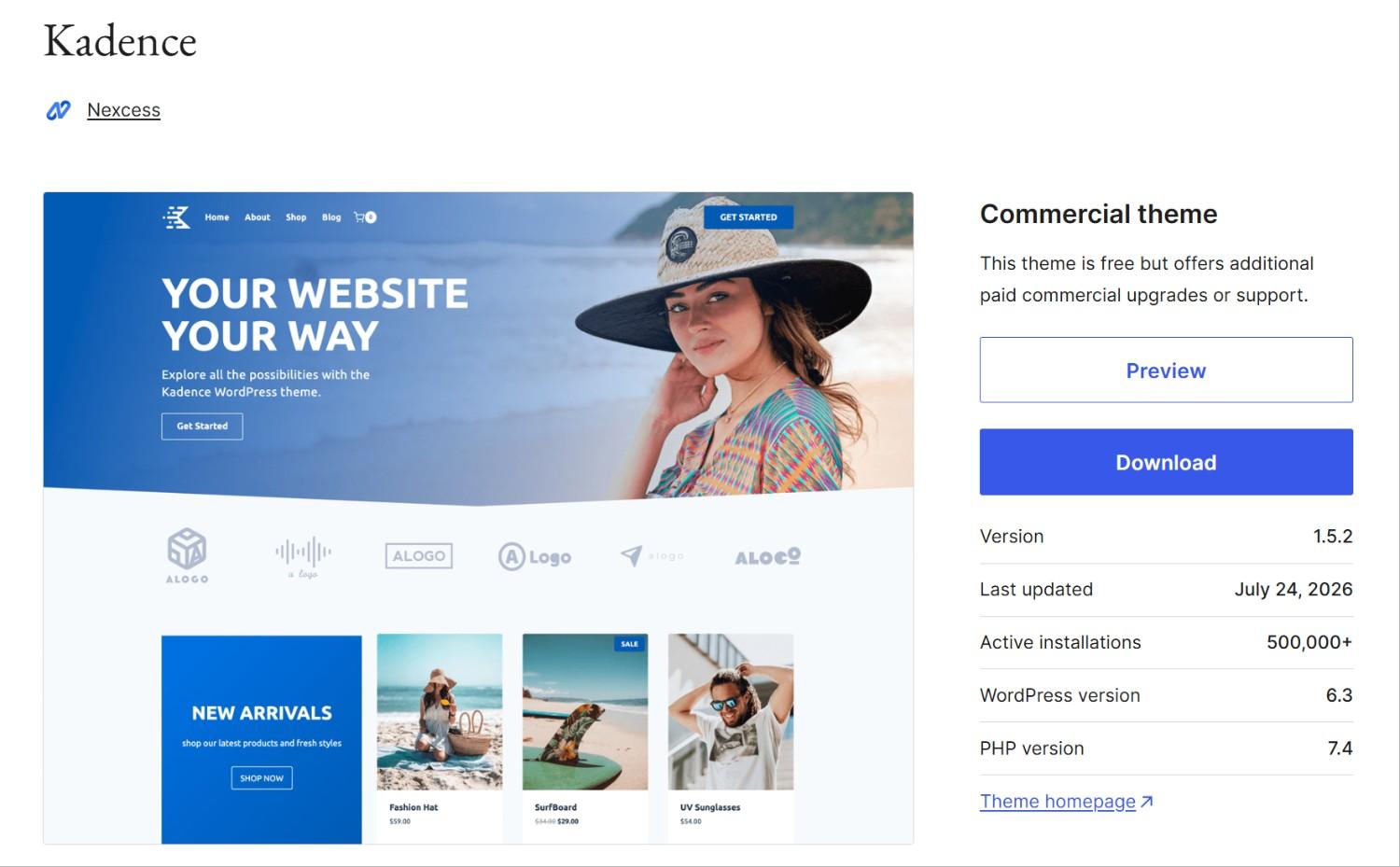
Kadence gives beginners enough tools to create a professional website, without any complicated setup.
One of its strongest areas is the header and footer building experience. You can visually arrange different parts of your site and adjust colors, fonts and spacing without writing code.
Kadence also has a useful global color and typography system. This feature might sound small, but it saves a lot of time.
For example, instead of manually changing the same brand color on page after page, you can define your main website colors and reuse them. If you change the global color later, your site can update more consistently.
The wider Kadence ecosystem also includes Kadence Blocks and starter templates. Together, they make Gutenberg much more useful for creating complete page layouts.
Therefore, if you want to edit inside the WordPress block editor but sometimes find its default design controls limiting, Kadence is the best option.
Where Kadence Could Be Better
Some of Kadence’s more advanced features need a premium version. You may also end up installing Kadence Blocks and the Starter Templates plugin for more designing options.
However, this is not necessarily a problem, but it is worth knowing that the kadence theme is part of a wider set of tools.
Our Take on Kadence
Kadence is one of our favorite choices for someone who says:
“I don’t know much about WordPress development. I just want to build a good-looking website without getting confused with the theme.”
For that type of user, Kadence makes a lot of sense.
4. GeneratePress
Best for: Blogs, developers, content websites and users who value simplicity.
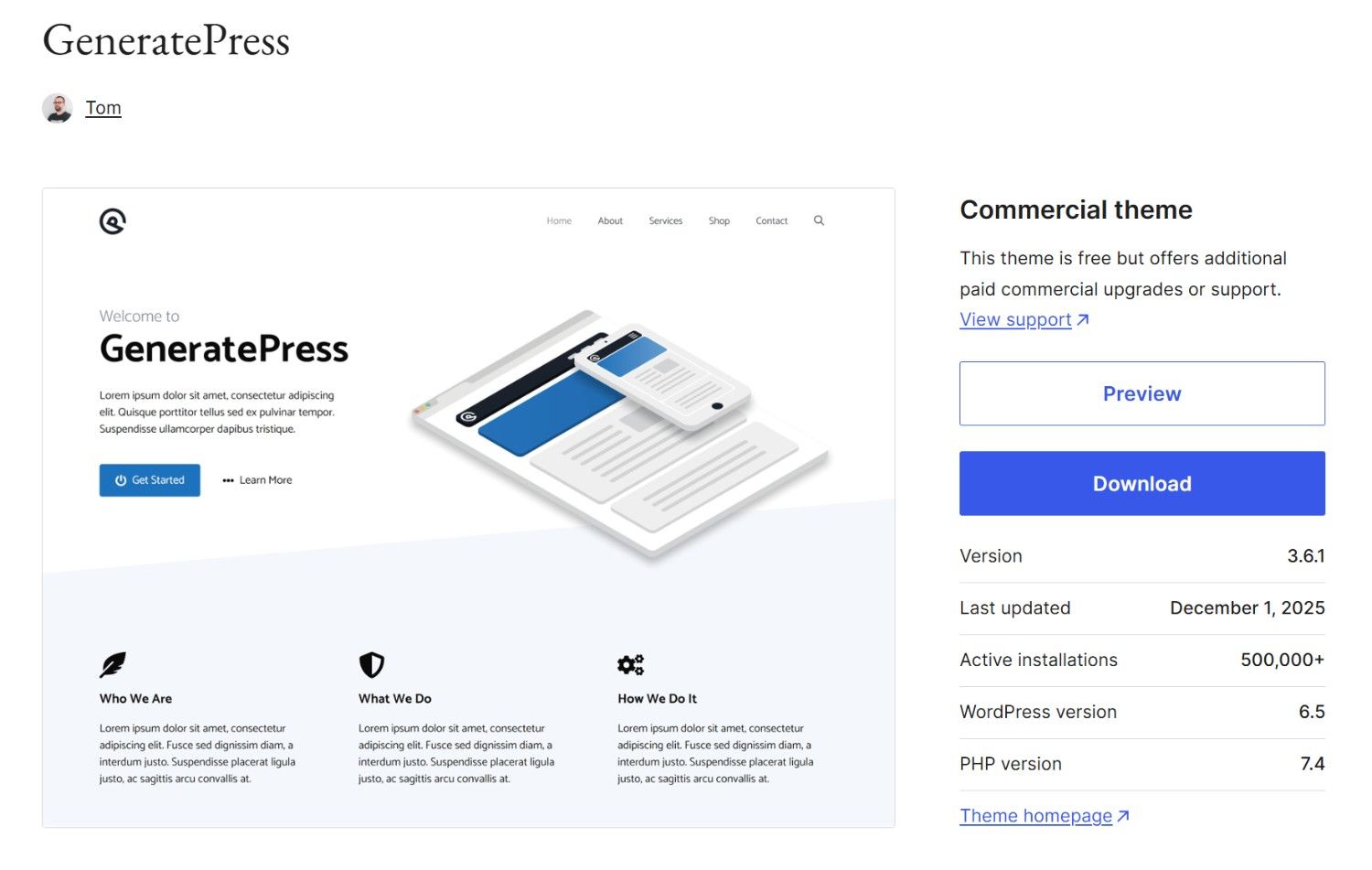
GeneratePress takes a different approach from Astra, Blocksy and Kadence.
Instead of packing the free version with large template libraries and lots of visual extras, it focuses on providing a clean and lightweight starting point, which is a major advantage.
When you are building a content-heavy blog, an SEO site or a website where you manage the layouts, you may not need dozens of theme features running in the background.
GeneratePress gives you a stable base and works well with the WordPress block editor. It is also compatible with popular page builders and WooCommerce.
The customization experience covers the important basics such as typography, colors, navigation and layout.
However, GeneratePress feels more like a foundation than a ready-made website.
Where GeneratePress Could Be Better
This is also the biggest drawback of GeneratePress Free.
Its official starter-site library is tied to the premium offering. Many advanced layout controls, WooCommerce options and other design features are also available through GeneratePress Premium.
As a result, a complete beginner may install GeneratePress and wonder why it does not immediately look as impressive as an Astra or Kadence starter website.
Our Take on GeneratePress
Do not choose GeneratePress because you want the largest number of free templates.
Choose it because you want a clean WordPress foundation without unnecessary extras.
5. OceanWP
Best for: WooCommerce stores, business websites and users who want lots of theme options.
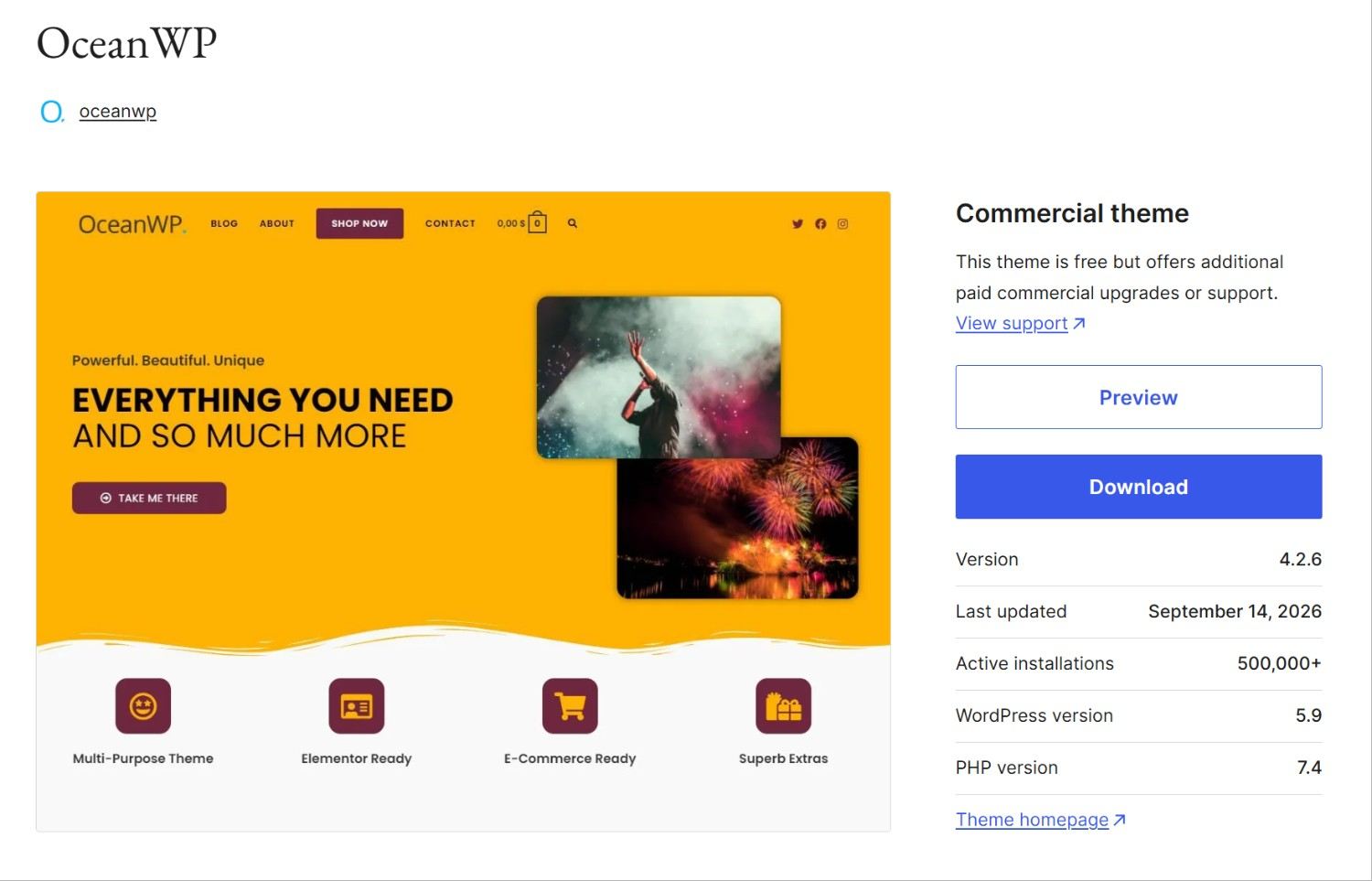
OceanWP has been around for a long time, but it continues to be a strong option, especially for WooCommerce websites.
Compared with a very minimal theme like GeneratePress, OceanWP gives you many more settings directly from the theme.
For store owners, this can be useful because you can control different parts of your shop without immediately installing another plugin for every small design change.
OceanWP also works with popular builders including Elementor, Divi, Beaver Builder and others. It can also handle regular blogs, portfolios and business websites, which makes it more than just a WooCommerce theme.
Where OceanWP Could Be Better
A new WordPress user may find OceanWP less straightforward than Astra or Kadence because there are more options and extensions to understand.
The OceanWP ecosystem also includes additional extensions, so you need to pay attention to which feature comes from the theme itself and which requires extra extension.
Our Take on OceanWP
So, if you are starting a WooCommerce store and want plenty of theme-level controls, OceanWP is a better choice.
6. Neve
Best for: Bloggers, freelancers, startups, local businesses and simple WooCommerce sites.
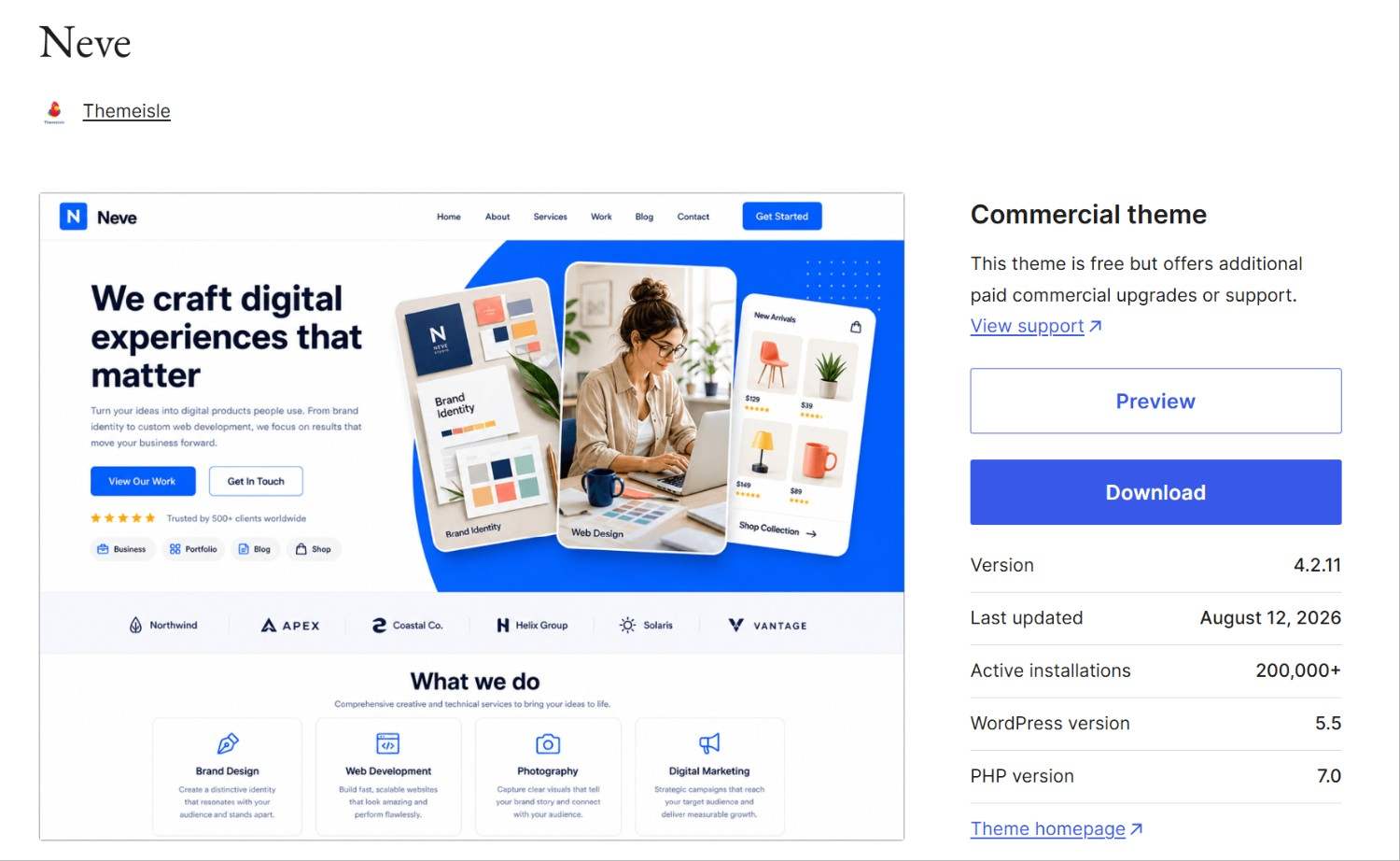
Neve is easy to understand, and that is one of its biggest strengths.
You get controls for typography, colors, page layouts, blog pages, headers and footers without the theme feeling too heavy.
Its header builder also provides several useful layouts in the free version, which means you can create a clean business header without upgrading.
Neve works with Gutenberg as well as other popular page builders such as Elementor, Bricks and Oxygen. Therefore, it is a good option if you want the freedom to choose how your pages are built.
Starter websites are available too. One thing worth knowing is that Neve’s Gutenberg starter sites use the free Otter Blocks plugin. So if you import one of those designs, Otter becomes part of that website’s setup.
Where Neve Could Be Better
Several advanced header features, such as sticky, transparent and conditional headers, belong to Neve Pro.
That is not unusual for a freemium theme, but you may reach those limits if you are creating a more complex business website.
Our Take on Neve
Neve does not try to win by giving you the most options.
Instead, it gives you a relatively simple starting point that works for many common website types.
For a personal blog, local business website or freelancer portfolio, that can be exactly what you need.
7. Hello Elementor
Best for: Elementor websites and users who want to design most of the website themselves.
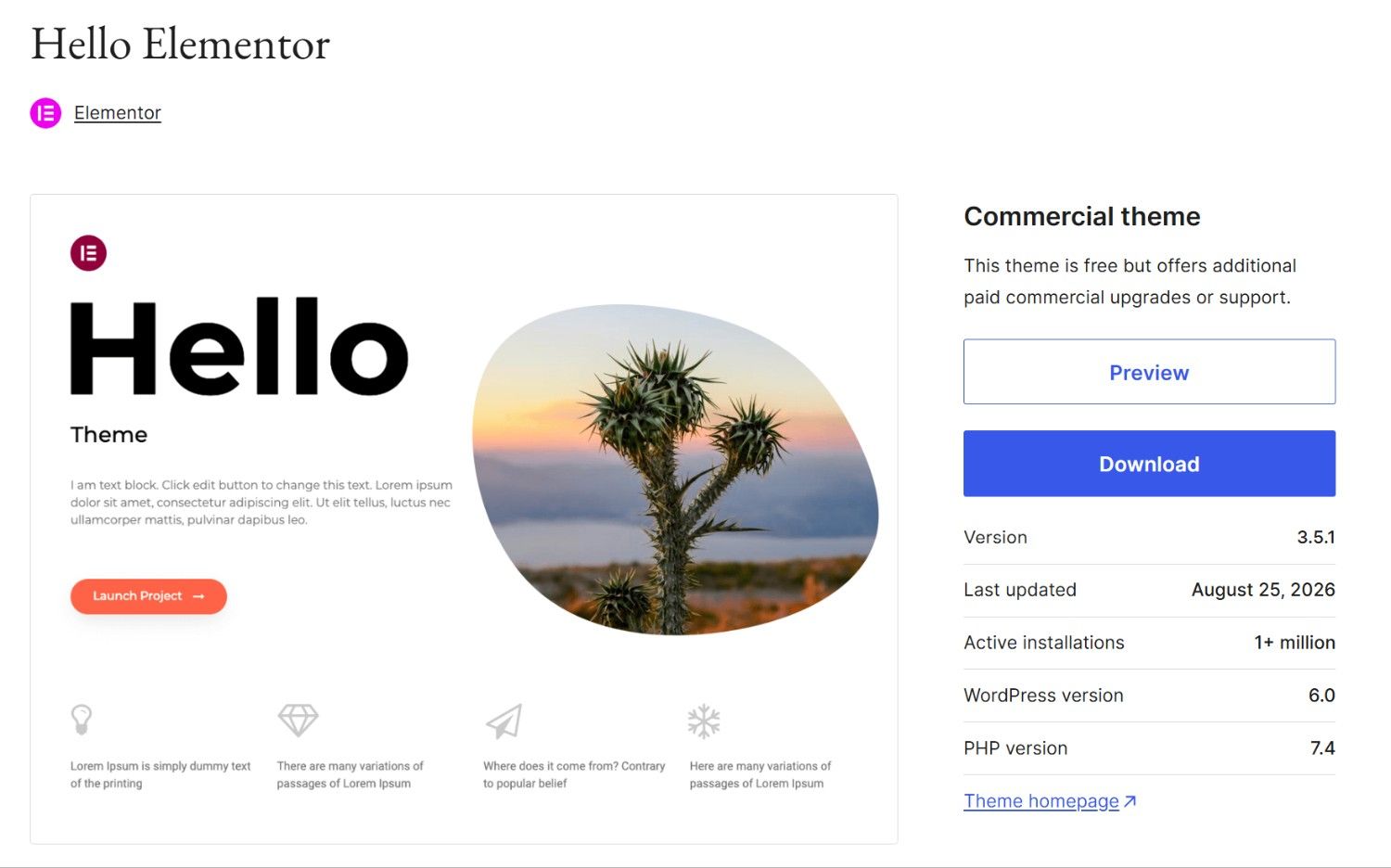
Hello Elementor is very different from most themes in this list.
Instead of providing lots of its own styles and layouts, Hello Elementor gives Elementor a clean base to build your website.
That is exactly why many Elementor users like it.
When you are already designing your pages with Elementor, you may not want a theme adding another layer of styles that you then need to override.
However, this also means Hello can look extremely plain when you first activate it, but that is totally normal.
The idea is that you will build the design with Elementor rather than relying on the theme.
Where Hello Elementor Could Be Better
Hello Elementor is not the theme I would recommend to someone who wants to install a theme, change a few colors and have a complete website.
Its biggest advantage appears when Elementor is already central to your workflow.
Also, some of Elementor’s more advanced site-building features are part of Elementor’s paid products, so you should not assume that choosing a free theme automatically gives you every Elementor feature for free.
Our Take on Hello Elementor
If you know you are building your whole website with Elementor, Hello Elementor is worth using.
8. Sydney
Best for: Freelancers, agencies, consultants, small companies and portfolio websites.
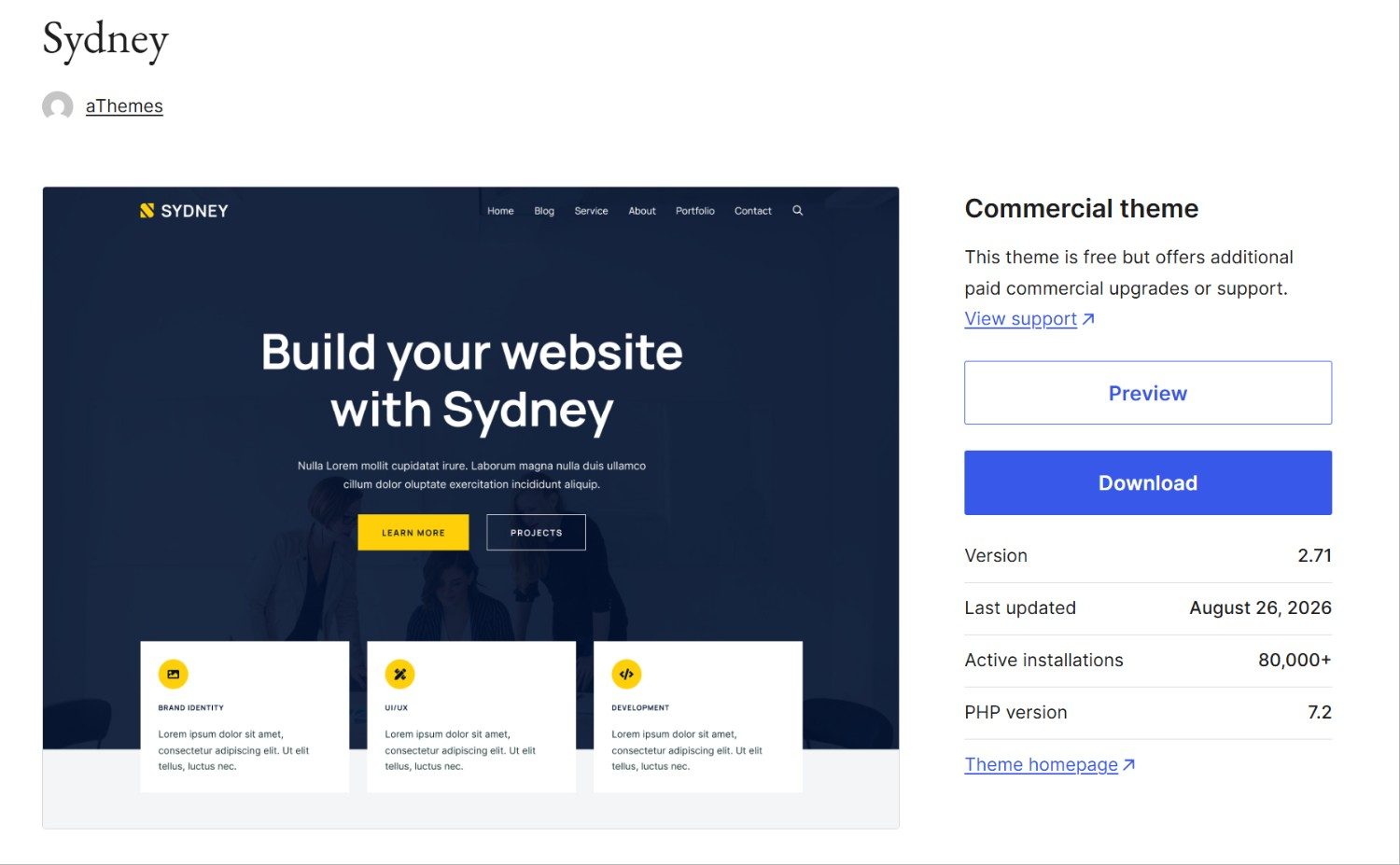
Sydney has a clear business-site focus, which makes it easier to understand who should use it.
You get control over important design areas such as fonts, colors, layouts, logos and navigation. It also works with both Elementor and the WordPress block editor.
This means you can start with the theme’s own design controls and still bring in a page builder if you need more freedom later.
Sydney is particularly suitable for websites that need a professional homepage, services section, portfolio, contact page and blog.
Where Sydney Could Be Better
Its free starter-site selection is smaller than some competitors.
So if your main goal is to browse through a huge library of free website designs and import one instantly, Astra, Kadence or Zakra may give you more choices.
Some more advanced store and design tools also require Sydney Pro.
Our Take on Sydney
For a freelancer or small company that wants a clean professional website, it is actually a good thing. It is easy to understand, works with popular editing tools and covers the basics well.
9. Zakra
Best for: Beginners, business sites, blogs, portfolios, education websites and users who want ready-made designs.
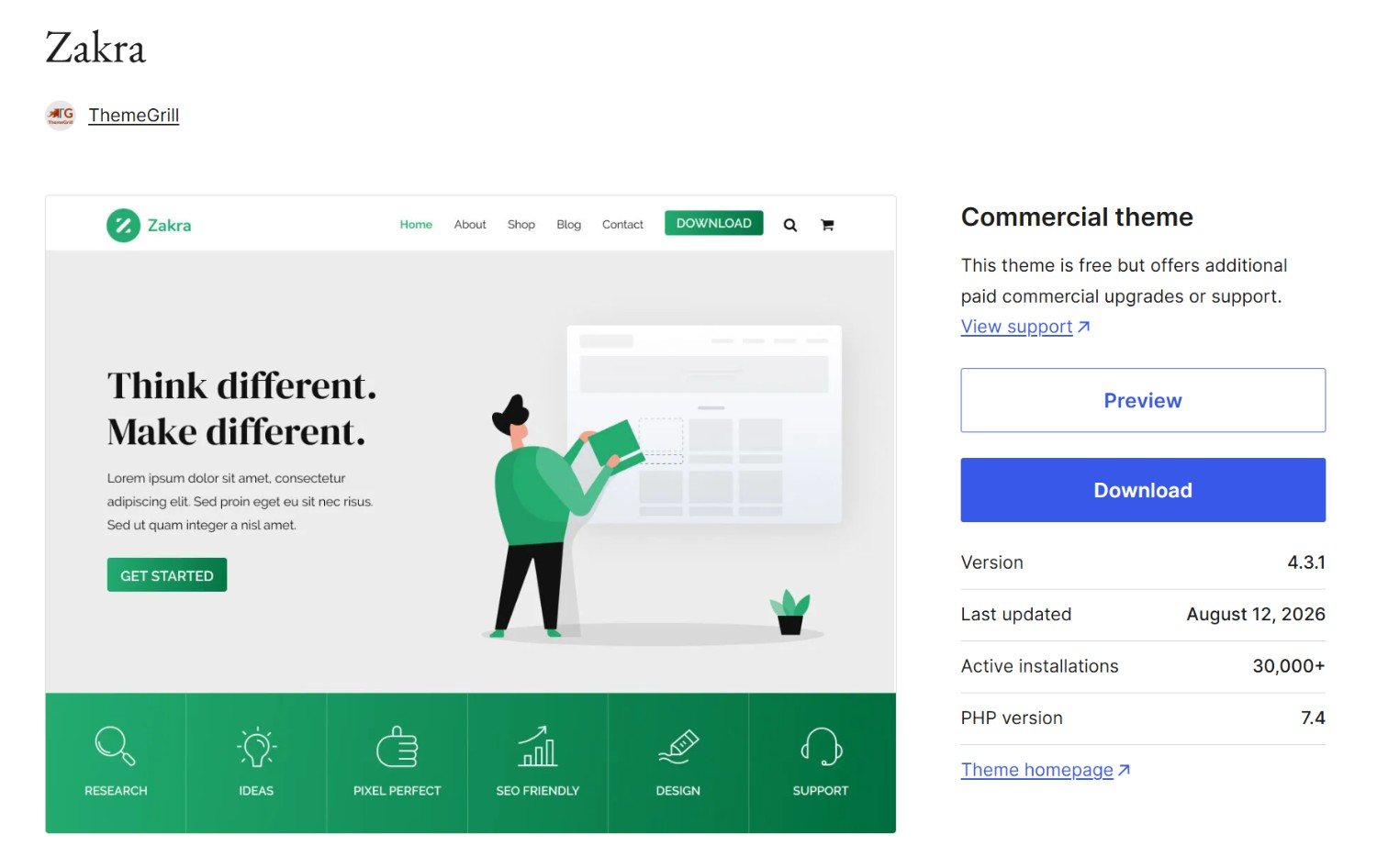
Zakra is a powerful WordPress theme and its biggest advantage is its collection of free starter demos.
This is especially helpful when you do not yet have a clear design in mind.
Instead of staring at an empty WordPress website and wondering where to begin, you can choose a layout that is already close to what you need and customize it.
Zakra works with Gutenberg and popular page builders, including Elementor. It also supports different website types ranging from blogs and businesses to stores and educational websites.
The free theme also includes useful customization options for common website areas.
Where Zakra Could Be Better
Like the other freemium themes here, more advanced customization options are inside the paid version.
Our Take on Zakra
Zakra is a good choice if your first priority is getting a professional-looking starting design without building every page yourself.
It may not be our number-one overall theme, but its free starter-site offering makes it a useful option for beginners.
And that brings us to the question that probably matters most.
Which Free WordPress Theme Should You Choose?
After comparing all nine themes, there is no single theme that wins every category.
The right choice depends on what you are actually building.
If you simply want a recommendation and do not want to spend another hour comparing themes, choose Astra. It gives you the best balance of ease of use, customization, templates, builder compatibility and room to grow.
If you want more design control in the free version, choose Blocksy.
If you are a beginner who likes Gutenberg and wants an easy visual setup, Kadence is an excellent choice.
For a lightweight foundation, go with GeneratePress.
If you are creating an online store, compare Blocksy and OceanWP first.
For a straightforward blog or small business website, Neve is easy to work with.
If Elementor will control most of your website, use Hello Elementor.
For a traditional business or portfolio site, Sydney remains a solid option.
And if you mainly want a wide selection of ready-made designs, give Zakra a look.
That is also why we would not choose a WordPress theme based only on popularity. The most popular theme is not automatically the best theme for your website.
Free Theme vs Premium Theme: Which One to Choose?
You do not need a premium theme necessarily, my recommendation is to start with the free version first.
Build your pages, create your header, add your content and see whether you actually reach a limitation.
For example, you may think you need a premium sticky header, advanced mega menu or conditional layout today. Once you start building the site, you may discover that you do not need those features at all.
That is why I would not recommend buying a theme before you understand what is missing from the free version.
Use the free theme first, then upgrade only when a paid feature solves a real problem.
And most importantly, do not choose a theme because its demo looks impressive.
Choose the theme that lets you build and manage your own website without making simple changes difficult.
After all, a good WordPress theme should save you time, not give you another problem to solve.
FAQs
Which is the best free WordPress theme?
For most users, Astra is the top choice because it offers a good balance of customization, starter templates, WooCommerce support and compatibility with popular WordPress builders. However, Blocksy, Kadence and GeneratePress can be more better depending on your needs.
Which free WordPress theme is best for beginners?
Astra and Kadence are two of the easiest options for beginners. Both provide useful visual customization controls and starter website options that reduce the amount of design work needed.
What is the best free WordPress theme for Elementor?
Hello Elementor is the most natural choice if you plan to create most of your website with Elementor. Astra is another good option if you want stronger theme-level controls alongside Elementor.
What is the best free WordPress theme for WooCommerce?
Blocksy and OceanWP are two of the strongest free options for WooCommerce websites. Astra is also a good choice if you want a simpler all-purpose theme that can handle an online store.
What is the fastest free WordPress theme?
GeneratePress, Astra, Neve, Blocksy and Hello Elementor are all designed with performance in mind. However, your final website speed depends on much more than the theme. Hosting, plugins, images, fonts, caching and page content can have a much larger effect.
Are free WordPress themes safe?
Themes downloaded from the official WordPress.org theme directory go through WordPress theme-review requirements. However, you should still choose themes that are actively maintained and keep them updated.
Avoid downloading “nulled” or unofficial premium themes from random websites just because they are available for free.
Can I use a free WordPress theme forever?
Yes. Themes listed as free on WordPress.org can be used without purchasing their premium versions. You only need to upgrade if you want features offered separately in the paid version.
Do free WordPress themes work with Gutenberg?
Yes. All of the themes in this list work with the WordPress editor, although their level of block-editor integration can differ. Themes such as Kadence and Blocksy are particularly comfortable choices for users building with Gutenberg.