
A few years ago, we faced a problem most plugin developers will recognize: managing translations manually.
As our plugin portfolio grew, so did the number of .po and .mo files that we had to maintain. Keeping every string translated and updated across multiple languages manually was becoming increasingly time-consuming.
So, we built a simple solution for ourselves: AI-powered translation addon for Loco Translate.
At first, it was just an internal tool, but later we released it on WordPress.org as a free plugin to see whether others might find it useful too.
And they did.
Plugin and theme developers started using it. Then translators discovered it and realized they could translate strings much faster without manually running every line through traditional translation tools. The feedback was clear: if AI could simplify plugin translations, it could help translate entire WordPress websites as well.
That insight led us to build AI translation addons for the most popular multilingual WordPress plugins. Today, our AI translation solutions support Loco Translate, TranslatePress, Polylang, and WPML, helping power multilingual experiences on more than 90,000 WordPress websites.
As this product family continued to grow, we felt it deserved a dedicated identity.
Today, we’re excited to introduce TranslateXYZ, a new umbrella brand by Cool Plugins for our AI translation addons for WPML, Polylang, TranslatePress, and Loco Translate.
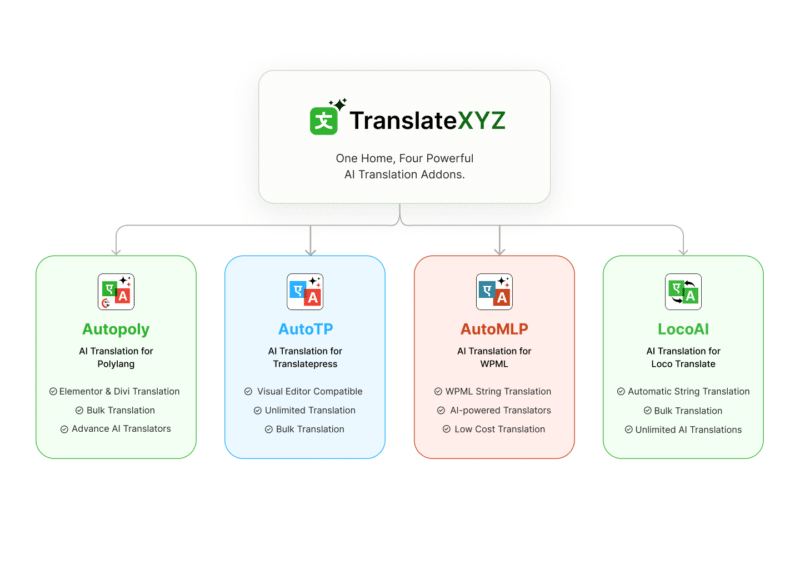
Same team. Same code. Same support inbox you’ve trusted over the years.
TranslateXYZ now joins the broader Cool Plugins ecosystem, which includes products such as Cool Timeline, Events Calendar addons, Cool FormKit for Elementor, the Divi Contact Form Extender, cryptocurrency widgets, and more. Together, our products are trusted by over 400,000 active WordPress websites and have more than 1,000 five-star reviews from users worldwide.
What’s at TranslateXYZ?
TranslateXYZ brings together four AI-powered translation addons, each built to work directly inside the multilingual plugin you’re already using. There’s no new platform to learn, no separate translation dashboard, and no complex workflow to lock you in.
You simply keep using the tools you know, while AI handles the translation work.
AutoPoly: AI translation for Polylang
AutoPoly adds AI translation to Polylang and Polylang Pro.
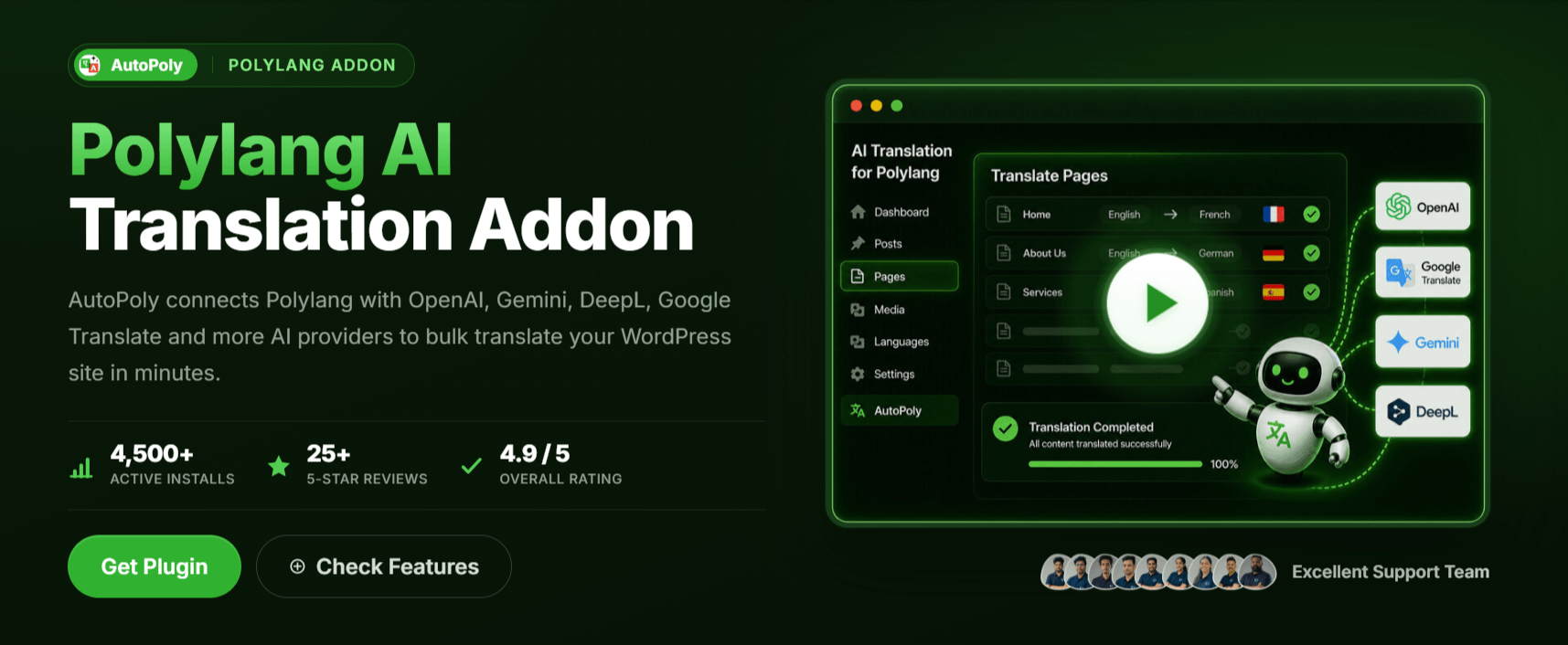
Whether you’re translating posts, pages, custom post types, taxonomies, WooCommerce content, Elementor layouts, Divi pages, ACF fields, or SEO metadata from Yoast and Rank Math, everything happens inside the familiar Polylang interface.
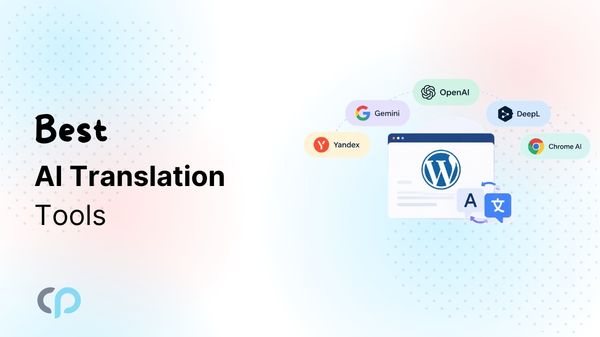
All you have to do is choose the AI provider from OpenAI, Gemini, DeepL, Google Translate, Yandex, and Chrome’s built-in AI, and within a few minutes, your content is translated into multiple languages without the need for manual copy-pasting or external tools.
Additionally, it also supports bulk and inline translation.
AutoTP: AI translation for TranslatePress
AutoTP extends TranslatePress‘s live front-end translation editor by providing you with advanced translation providers.
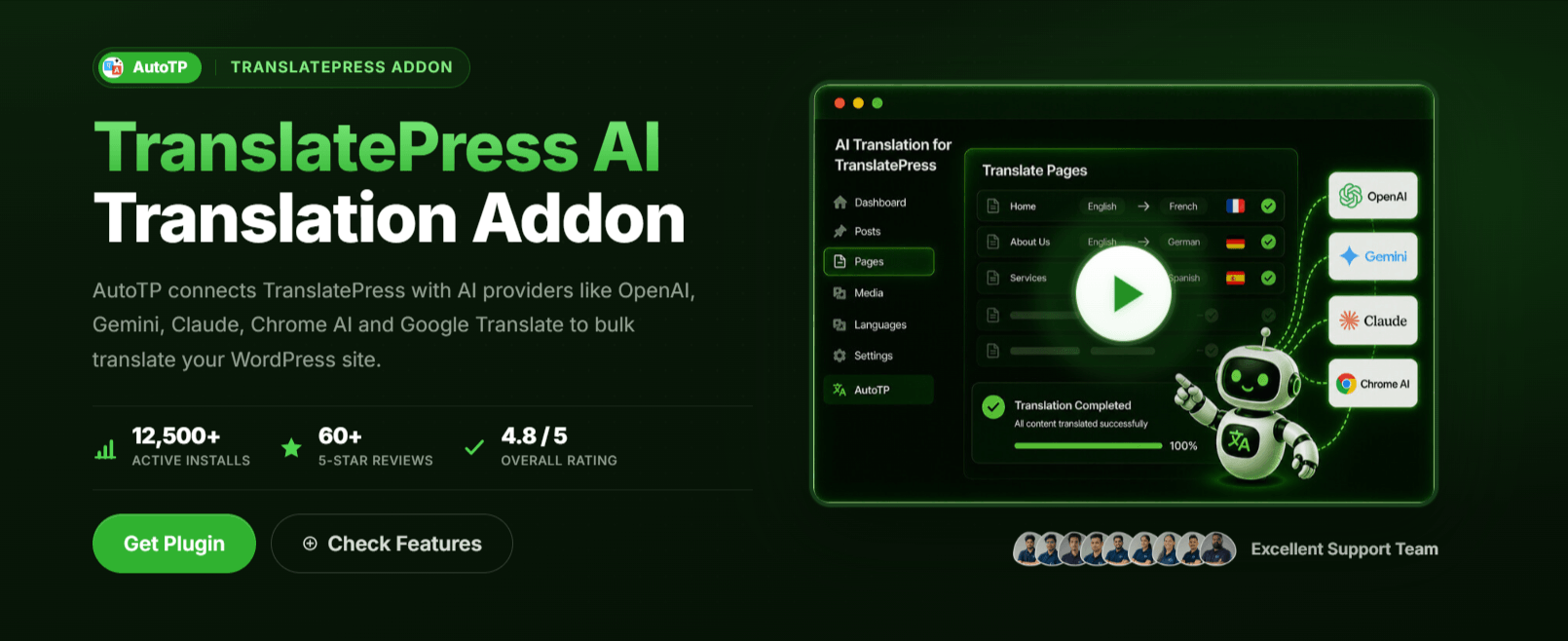
Instead of being limited to DeepL or Google Translate, you can connect OpenAI, Gemini, Claude, Chrome AI, and a couple more on the way.
Simply open a page, choose your target language, and click auto translate, and translate content with your preferred translation provider.
Just the same TranslatePress workflow, same visual editor, much lower API bill.
AutoMLP: AI translation for WPML
AutoMLP is a WPML automatic translation addon. It allows you to translate your WordPress website using different AI services like OpenAI, Google Gemini, or Chrome AI at a low cost.
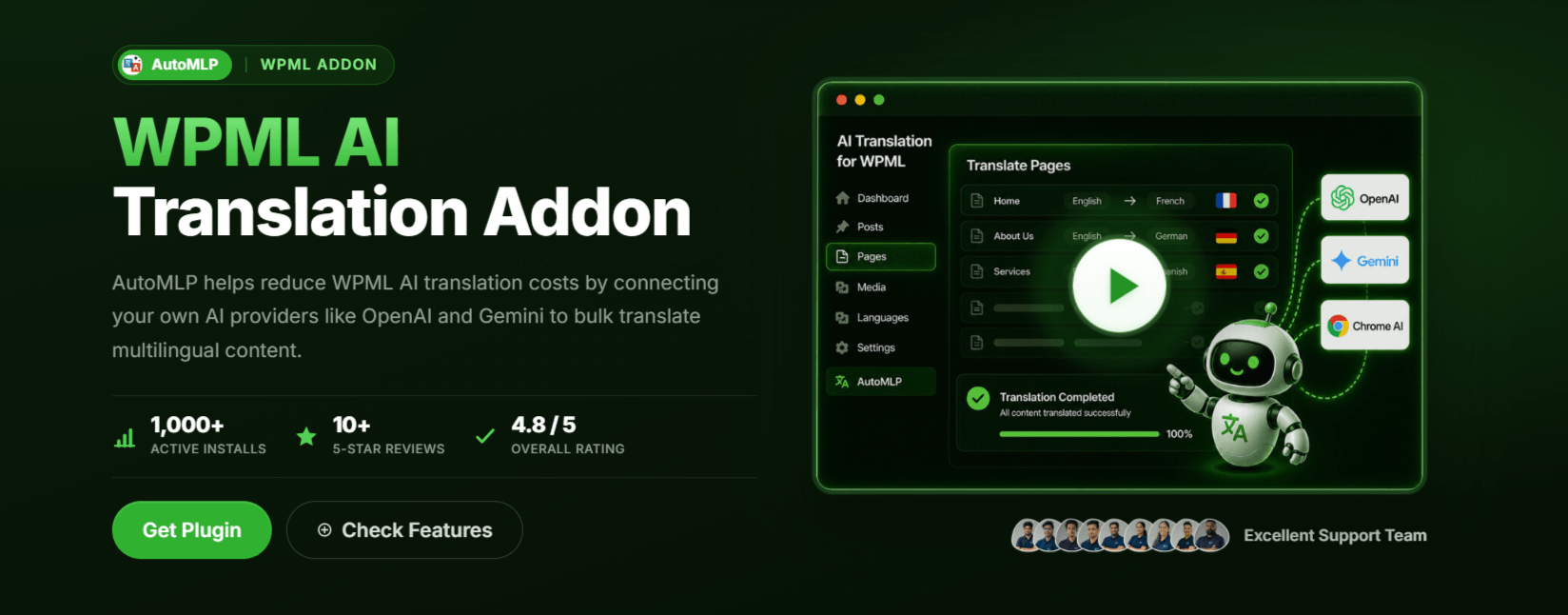
Rather than relying on a credit-based system, you connect your own AI provider and translate content directly from the WPML Translation Management dashboard.
AutoMLP is designed for WPML users who want more control over translation costs.
Rather than relying on a credit-based system, you connect your own AI provider and translate content directly from the WPML Translation Management dashboard.
Whether you choose OpenAI, Gemini, or Chrome AI, you only pay the provider’s API costs. For larger websites and WooCommerce stores, this can make a dramatic difference in long-term translation expenses.
Agency sites that move from credits to BYOK typically see ongoing translation costs drop by 80 to 95 percent.
LocoAI: AI translation for Loco Translate
LocoAI covers the other half of WordPress translation work: the strings inside plugins and themes that ship as `.po` and `.mo` files.
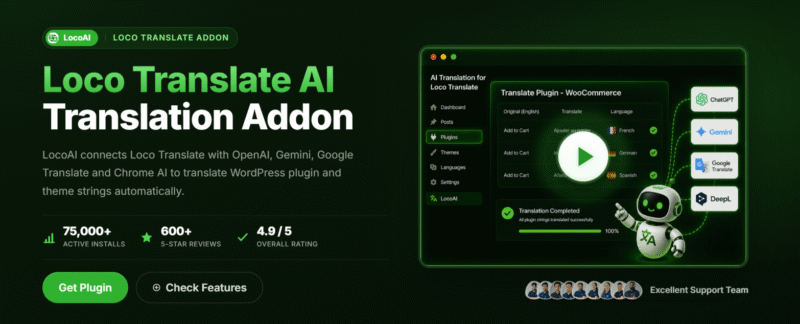
LocoAI integrates directly with Loco Translate to automatically translate .po and .mo files using OpenAI, Gemini, Google Translate, or Chrome AI.
Plugin authors shipping i18n updates and agencies translating client themes are the heaviest users so far.
AI Providers We Support
One thing we never wanted to do was lock users into a single AI provider.
Every TranslateXYZ addon is built with flexibility in mind, allowing you to choose the translation engine that best matches your budget, quality expectations, and project requirements.
Whether you’re translating a small blog, a large WooCommerce store, or a multilingual business website, you’re free to work with the provider you trust most.
Behind the scenes, our plugins handle the heavy lifting, including prompts, batching, retries, and translation workflows, so you can focus on publishing content rather than managing APIs.
Current matrix from the AI Providers page:
- OpenAI. GPT-4o, GPT-4o-mini, and the rest of the chat-completions family. Our default recommendation for long-form quality.
- Google Gemini. Fast, cheap, very good at structured content like WooCommerce product catalogs.
- Anthropic Claude. Currently in AutoTP. Rolling out to the other three this quarter. Best of the bunch for natural-sounding prose.
- DeepL. Still the go-to for European language pairs.
- Google Translate. Broad coverage and a very low per-character cost.
- Yandex Translate. Strong for Russian and Eastern European pairs.
- Chrome AI (Gemini Nano). Runs locally in Chrome 127 and up. No API key, no API bill. Free.
- Microsoft Translator and OpenRouter are queued for the next release cycle.
BYOK: You pay the provider, not us
Every TranslateXYZ addon follows a simple approach: bring your own API key.
Instead of purchasing translation credits from us, you connect your own OpenAI, Gemini, Claude, DeepL, or other supported provider account. Your usage is billed directly by the provider, giving you complete visibility into what you’re spending and where it’s going.
That means no credit packs to purchase, no reseller markup, and no unexpected charges halfway through a large translation project.
For example, translating a 200,000-word multilingual website can cost less than $20 using OpenAI’s mini models. If you use Chrome’s on-device AI, the translation cost can be close to zero. That’s significantly more affordable than most credit-based translation plugins.
Bundle pricing for the four-in-one
If you run more than one host plugin (a lot of agencies do: Polylang on marketing sites, WPML on commerce, TranslatePress for less technical team members),
Rather than purchasing separate solutions for each workflow, the TranslateXYZ Bundle brings everything together under a single license.
Get all four addons with a single license and save up to 70% compared to purchasing them separately. Choose from annual or lifetime plans, with site licenses available for 1, 5, or 25 websites.
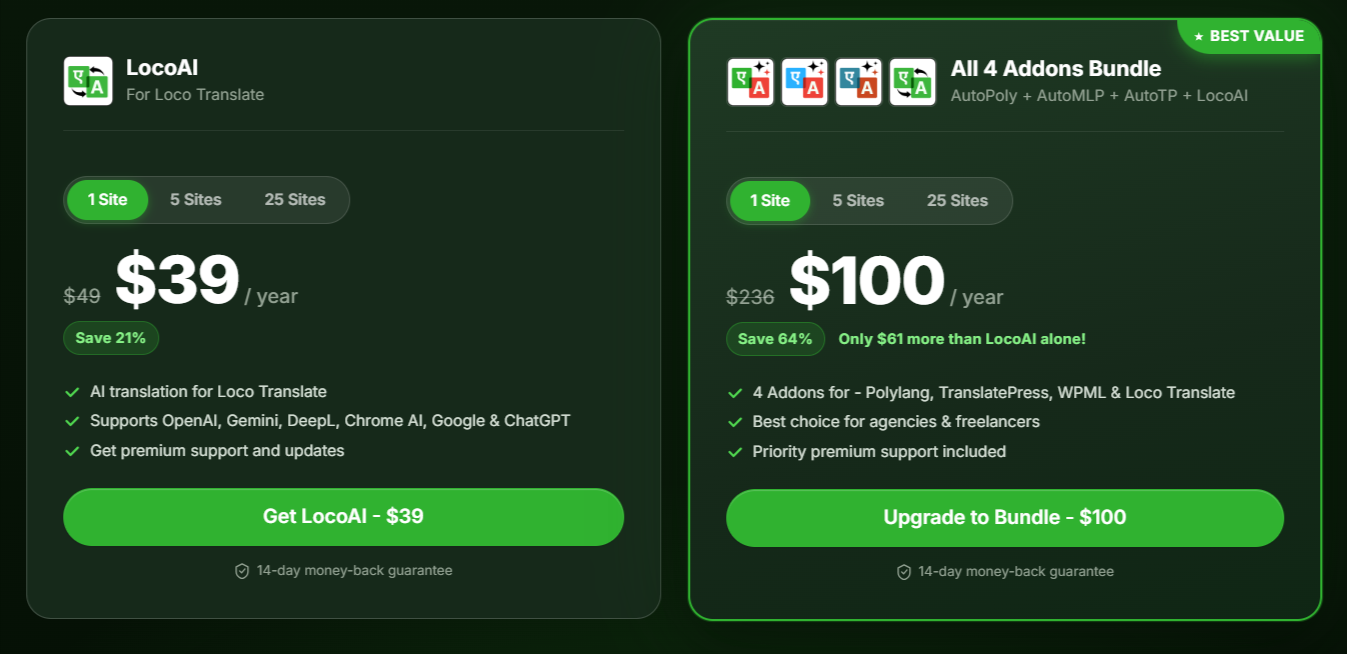
Plus, every purchase is backed by a 14-day money-back guarantee. Visit the pricing page for complete plan details and comparisons.
A Multilingual Website Built With Our Own Tools
The multilingual experience goes far beyond simply translating page content. Each language includes localized URLs, translated metadata, language-specific SEO optimization, proper hreflang implementation, and a fully localized browsing experience.
We translated the whole site with our own tools and then did a human review pass per language for SEO keyword fit and tone.
Want to see what managing a multilingual WordPress site can look like when everything is set up properly? Our own website is a great example. We launched it in eight languages within just a few weeks using an automated translation workflow.
We’ll soon share a detailed blog post on TranslateXYZ explaining how we translated, managed, and published content across all those languages with minimal manual work.
FAQs
What is TranslateXYZ?
TranslateXYZ is a collection of AI-powered translation addons for popular WordPress multilingual plugins, including WPML, Polylang, TranslatePress, and Loco Translate. It allows WordPress users to translate website content, plugin strings, pages, posts, WooCommerce products, and other content using AI and translation providers such as OpenAI, Google Gemini, Claude, DeepL, and Google Translate.
How can I automatically translate a WordPress website with AI?
You can automatically translate a WordPress website by using an AI translation addon that integrates with your existing multilingual plugin. TranslateXYZ provides addons for WPML, Polylang, TranslatePress, and Loco Translate, allowing you to connect your preferred AI provider and translate content directly within your existing WordPress workflow.
Which WordPress translation plugins are supported by TranslateXYZ?
TranslateXYZ currently supports four popular WordPress translation solutions: WPML, Polylang, TranslatePress, and Loco Translate. AutoMLP works with WPML, AutoPoly works with Polylang, AutoTP works with TranslatePress, and LocoAI works with Loco Translate.
Is AI translation cheaper than traditional WordPress translation services?
AI translation can significantly reduce translation costs, especially for large WordPress websites with thousands of pages or products. TranslateXYZ uses a bring-your-own-API-key (BYOK) model, so you pay the selected AI or translation provider directly rather than purchasing translation credits from TranslateXYZ. Costs depend on the provider, model, and amount of content translated.
Which AI translation providers work with TranslateXYZ?
TranslateXYZ supports multiple AI and translation providers, including OpenAI, Google Gemini, Anthropic Claude, DeepL, Google Translate, Yandex Translate, and Chrome’s built-in AI. Provider availability varies between addons, so you can choose the translation engine that best fits your language requirements, quality expectations, and budget.
What’s next
The launch of TranslateXYZ is just the beginning. We’re working on several new features to make multilingual website management even easier and more cost-effective.
- Claude supports AutoPoly, AutoMLP, and LocoAI (currently AutoTP only).
- Shared translation memory across the four addons, so repeated strings stop costing twice.
- Glossary management with per-language overrides. Useful for brand names, product SKUs, and technical jargon you never want auto-translated.
- OpenRouter integration. Opens the door to Mistral, DeepSeek, Llama, and the cost-competitive long tail.
- An AI Writing Assistant for WordPress. A sibling product we’ve been prototyping for a few months. More on it soon.
We’ll continue publishing release notes, tutorials, and practical guides on the TranslateXYZ blog as new features are released. You’ll also find detailed resources covering plugin setup, AI provider comparisons, and step-by-step migration guides for users moving away from traditional credit-based translation solutions.
Try it
If you’re looking for an AI-powered translation solution for your WordPress website, visit translatexyz.com and choose the addon that works with your preferred multilingual plugin. Free versions are available on WordPress.org, while Pro plans and the complete TranslateXYZ bundle can be purchased directly from our website.
Quick links:
- AutoPoly for Polylang
- AutoTP for TranslatePress
- AutoMLP for WPML
- LocoAI for Loco Translate
- Pricing and bundle
- Supported AI providers
- Documentation
We’d love to hear your feedback. If there’s a feature you’d like to see, an AI provider you’d like us to support, or something that isn’t working as expected, please let us know.
The quickest way to reach us is through our support page, or you can simply leave a comment on this post. Your feedback helps us improve TranslateXYZ and build features that matter most to WordPress users.
Happy translating!