
All Plugins   »   Translation Plugins   »  Toolkit for Polylang

Share it:

toolkit-for-polylang

Toolkit for Polylang – Translation Inspector & Duplicate Content

Scan your multilingual site, find Polylang issues, and duplicate content across languages, all from one dashboard.

10,000+

Active Installs

20+

5 Star Reviews

4.7

Overall Rating

Cool Plugins Team
Excellent Support Team
Polylang Addon Plugin Icon

One-click automatic translation

Translate your entire WordPress site instantly with just one click using AI
Main Benefits

Detect Missing Translation & Polylang Issues

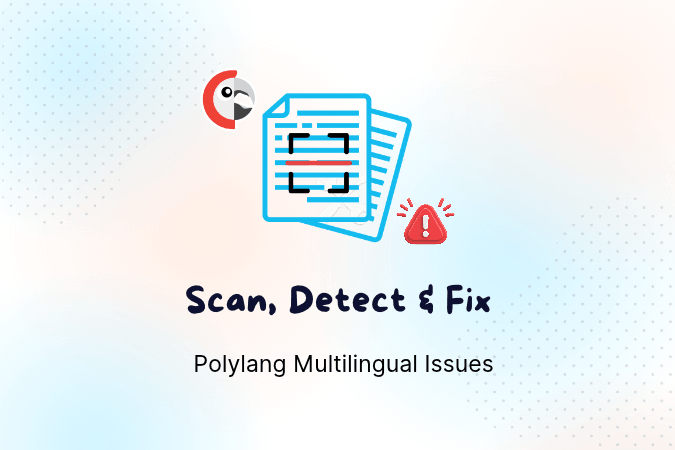
Toolkit for Polylang scans your multilingual website and detect missing translations, wrong-language URLs, wrong Elementor template display, ACF translation, and other Polylang-related issues. It offers two built-in features. 

The Translation Inspector runs a website scan and brings detected issues together in one dashboard, making it easier to review and fix problems.

Additionally, Duplicate Content lets you duplicate Gutenberg and Classic Editor pages/posts content into other languages for translation.

Reviews

4.7/ 5 rating based on 20+ 5 star reviews…

Features

  • Multilingual Website Scan
  • Translation Health Score
  • Critical, Warning, Passed & Ignored Findings
  • Missing Translation Detection
  • URL & Routing Checks
  • ACF & Custom Field Checks
  • Frontend Untranslated Inspector
  • Translation Status
  • AI Translation (via AutoPoly)
  • Language Switcher (via Language Switcher for Polylang)
  • AI Assistant Support
  • Privacy-Friendly Scanning
  • User-Friendly Interface

FAQs

What is Toolkit for Polylang?

Toolkit for Polylang is a Polylang addon that helps you identify and troubleshoot multilingual website issues. It includes a Translation Inspector to scan and detect multilingual issues and a Duplicate Content to copy posts and pages into other languages for translation.

Yes. Toolkit for Polylang is available as a free WordPress plugin. You can install it directly from the WordPress plugin directory. Download Toolkit for Polylang.

Yes. Toolkit for Polylang is an addon and requires the Polylang plugin to be installed and activated.

The plugin includes two built-in tools: Translation Inspector to detect multilingual website issues and Polylang Duplicate Content to duplicate posts and pages across languages while preserving their formatting.

It can detect Polylang issues like missing translations, broken multilingual URLs, incorrect language links, menu assignment problems, untranslated strings, Elementor template configuration issues, and more.

No. The Translation Inspector identifies potential issues and provides information to help you resolve them. You can then make the required changes and rescan to check whether the issues have been fixed.

Yes, you can use the Translation Inspector without Duplicate Content or use both. But make sure to choose at least one tool during the setup.

The Translation Health Score gives you an overview of your multilingual website’s health based on the results of the latest scan. It helps you understand how your website is performing across the supported translation and configuration checks. 

The scan is intended to inspect your multilingual website and report issues. Changes are made only when you intentionally use an available action, such as editing content or changing a setting.

Yes. Toolkit for Polylang can scan supported Advanced Custom Fields (ACF) content to identify missing translations and other translation-related issues across your active languages.

No. Toolkit for Polylang helps you identify untranslated or outdated content. You can then review and update the translations manually or use a supported translation addon such as AutoPoly.