
















AutoTP – TranslatePress AI Translation Addon
Translate your website automatically with AI in TranslatePress using Yandex, Google Translate, or Chrome’s built-in AI.
Active Installs
5 Star Reviews
Overall Rating
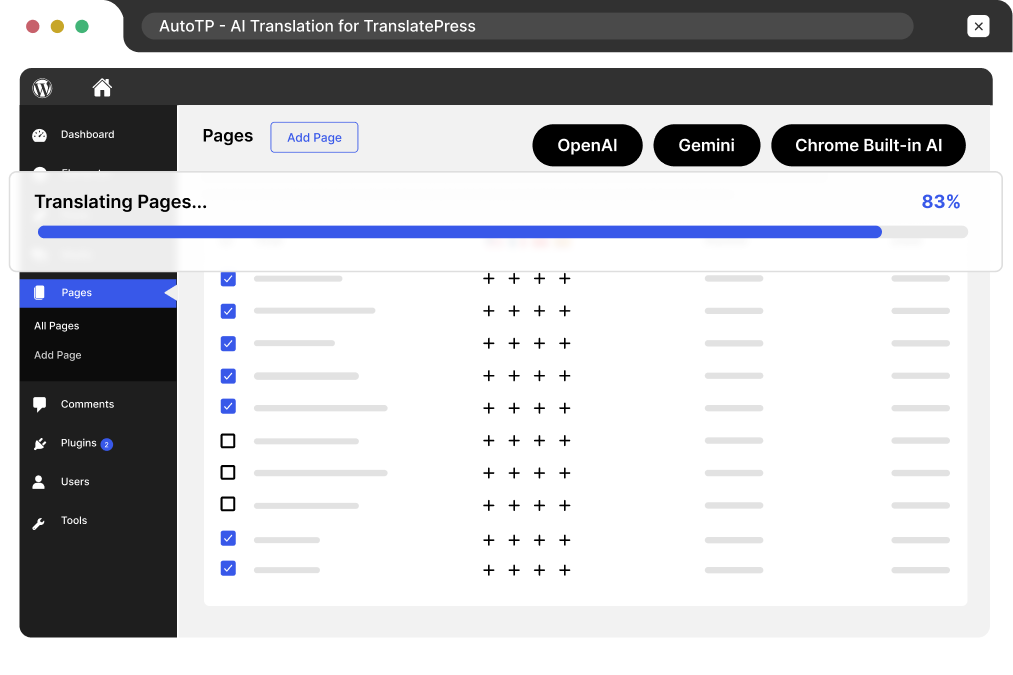
Bulk Translating…
Workload Comparison
Manual Translation ~ Days of work
AutoTP < 5 Mins
Supported AI Providers
AutoTP for TranslatePress gives you the freedom to choose from the best AI translation providers. Select your preferred provider or connect your own API key
Most Accurate
Provides accurate, context-aware website translations using OpenAI in TranslatePress.
Use Chrome built-in AI via AutoTP for real-time browser-based translations.
Trusted Choice
Quick Setup
Quick and reliable solution for instantly translating TranslatePress website.
Use Google Translate for smart and widely trusted translation results.
Most Popular
Integrate Claude API via AutoTP for context-aware and natural translations.
Human-Like Output
Complete TranslatePress AI Translation Solution
Translate pages, posts, and bulk website content using the TranslatePress AI addon with complete translation workflow control.
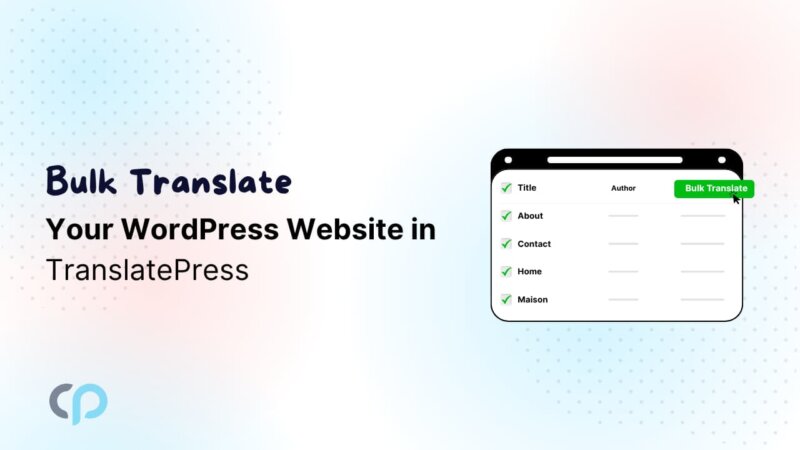
Translate multiple pages, posts, and custom content in one click using AutoTP AI Translation, saving hours of manual work.
UNLIMITED TRANSLATION
Pay per word with other tools
Use any provider without worrying about word limits or restrictions.
Get accurate, context-aware translations that sound natural and human-like, instead of robotic content.
Automatically detect visitor language preferences and suggest the most suitable translated version of website.
Auto translate URLs, slugs, and metadata to improve multilingual SEO rankings and global search visibility with AutoTP.
Bridge the gaps left by other plugins. Translate Elementor pages in TranslatePress along with Gutenberg Blocks, Divi Modules, and more seamlessly.
Result: Manual • Epensive • Slow
VS
Result: Automatic • Affordable • Fast


AutoTP
TranslatePress Addon
Choose the perfect plan for faster, smarter, and easier website translation management.
For 1 Website • 1 Year Plugin Updates
For 1 Website • Lifetime Plugin Updates
4 plugins bundle at a discounted price
AutoMLP – AI Translation for WPML
Secure SSL encrypted payment by PayPal & Stripe (Credit & Debit Cards)
Reviews
I started using AutoTP with TranslatePress recently, and it made translating my site much easier. The one-click translation works well.

WordPress Agency Owner
What I like most is the flexibility. I can switch between different translation options depending on my needs, which helps manage quality and overall costs.

WooCommerce Store Owner
The bulk translation feature in TranslatePress saved me a lot of time. Instead of translating pages individually, I could handle multiple pages together.

WordPress Agency Owner
The translations feel natural compared to other tools I’ve tried. I still review content, but overall, it reduces a lot of manual rewriting work.

WordPress Developer
I noticed the language detection feature helps visitors see the right version of the site. It improves the overall experience with TranslatePress.

E-learning Platform Owner
AutoTP works nicely with TranslatePress and didn’t cause issues with my existing setup. Everything felt straightforward while translating different types of content.

Blogger & Content Creator
Documentation
Step-by-step guides, tutorials & tips for multilingual website.
Stuck somewhere? Reach out to our helpful team for fast and friendly assistance.
AI Translation for TranslatePress is an addon that automatically translates entire web pages, making it easier to create a multilingual website with TranslatePress. It uses advanced AI translators to provide fast and accurate translations.
No, there is no limit. You can translate an unlimited number of characters without the need for an API key.
Yes, AutoTP includes bulk translation in TranslatePress features that allow you to translate multiple pages, posts, and custom content at once.
Yes, AutoTP supports Elementor page translation in TranslatePress along with Gutenberg blocks and other WordPress content.
No, it will translate only one page at time. You have to translate the pages one by one.
To translate your website using Google Translate, install and configure the AI Translation for TranslatePress. Then, navigate to the page or post you want to translate, click on the “Translate Page” or “Translate Post” button, and select Google Translator as your translation provider. After selecting the target language, the addon will automatically translate the content for you.
Free Version: Uses Yandex Translate, unlimited translations, but lacks Google Translate and Chrome Built-in AI.
Pro Version: Includes Chrome Built-in AI, Google Translate, unlimited translations, and premium support.
We offer a 14-day refund policy. If you are not satisfied with the plugin for any reason, you can request a refund within 14 days of your purchase. For full details, visit our Refund Policy Page.
After purchasing the plugin, you will receive a license key. Simply activate this license in your WordPress dashboard to start receiving automatic plugin updates directly within your WP admin area. You will also be eligible for premium support and regular updates as long as your license remains active—just contact our support team when needed.
No complex setup or coding needed. AutoTP works with TranslatePress to help you automatically translate your WordPress website using AI providers.
01
Install and activate AutoTP with TranslatePress to start automatic website translation in minutes.
Add your AI API key or enable built-in translation options to connect your website with automatic translation.
03
Automatically translate pages, posts, and more in minutes while saving time and scaling your multilingual content.
Manage your preferences. Blocking some cookies may affect site features. You can find more information in our Cookie Policy and Privacy Policy.
Your browser is sending a Global Privacy Control signal, so advertising cookies stay off and that choice cannot be switched on here. Everything else is still yours to decide.
Essential cookies for site security, functionality and basic preferences.
| Cookie | Set by | Kept for |
|---|---|---|
cppb_consent
Stores the visitor's consent decision so the banner is only shown once.
|
CP Cookie Banner | configurable (default 365 days) |
Remember your preferences, like language and layout, for a better site experience.
| Cookie | Set by | Kept for |
|---|---|---|
cppt_session
Marks the current browsing session, so that a visit arriving from another website is credited once per session rather than on every page view. Contains no identifier.
|
Cool Plugins — CP Pricing Table | Session |
pll_language
Saves the chosen language.
|
Polylang | 1 year |
wp-settings-1
Stores user admin preferences.
|
WordPress core | 1 year |
wp-settings-time-1
Stores timestamp of WordPress admin preference change.
|
WordPress core | 1 year |
Help us improve the site using anonymous usage data, without personal targeting.
| Cookie | Set by | Kept for |
|---|---|---|
_clck
Persistent user identifier for session linking.
|
Microsoft Clarity | 1 year |
_clsk
Connects pageviews into a single session recording.
|
Microsoft Clarity | 1 day |
_ga
Distinguishes unique users.
|
Google Analytics | 2 years |
_ga_942V83ZG8Q
Persists session state per GA4 property.
|
Google Analytics 4 | 2 years |
Used to deliver and measure ads on this site and across the web.
| Cookie | Set by | Kept for |
|---|---|---|
_fbp
Identifies browsers for ad delivery and site analytics.
|
Meta (Facebook) Pixel | 90 days |
_gcl_au
Stores conversion linker information for Google Ads.
|
Google Ads | 90 days |
_rdt_uuid
Unique visitor identifier for Reddit ad attribution.
|
Reddit Pixel | 3 months |
_twpid
Identifies the browser to X so ad conversions can be attributed.
|
X (Twitter) Pixel | Session |
_twsid
Session identifier used by the X conversion pixel.
|
X (Twitter) Pixel | Session |