You can often see sliders at the top of homepages, on landing pages, or in product sections where website owners want to highlight multiple important things without taking too much space.
Sliders make a website look modern and interactive, and every slider loads images, scripts, and animations in the background. If the slider is heavy or poorly built, it can slow down your website, affect mobile users, and even impact SEO.
That is why choosing the right WordPress slider plugin is important.
In this blog, we have selected the top 6 WordPress sliders for you, and we will compare them to choose the best one according to your site’s requirements.
Use Cases Of WordPress Sliders
A WordPress slider is a popular way to display images, text, or important messages in a rotating format on a website. Sliders are commonly used for:
- Homepage banners
- Featured products or services
- Image galleries
- Testimonials and portfolios
- Promotional sections on landing pages
For example, instead of showing five product images one below another, a slider allows you to display them one at a time in the same space, to grab users’ attention within the first few seconds of landing on the site.
That’s why, before selecting any WordPress slider plugin, it’s important to understand the key criteria it should meet.
Factors to Consider When Choosing a WordPress Slider Plugin
1. Speed and Performance
Sliders often load large images and animation files. If a plugin is not optimized, it can increase page load time. This affects user experience and search rankings. A good slider plugin should load quickly and avoid unnecessary scripts.
2. Mobile Responsiveness
Most users browse on mobile devices. Your slider should automatically adjust to different screen sizes so that text remains readable and images look clean on phones and tablets.
3. Ease of Use
Not everyone using WordPress is a developer. A slider plugin should make it easy to add images, edit text, and change slide order without technical knowledge.
4. Design Options and Animations
Design flexibility is useful, but too many animations can distract users. The best slider plugins offer clean templates and smooth transitions while keeping things simple and readable.
5. Compatibility With WordPress Tools
The slider should work well with popular page builders like Elementor or Gutenberg. If you run an online store, WooCommerce compatibility is also important.
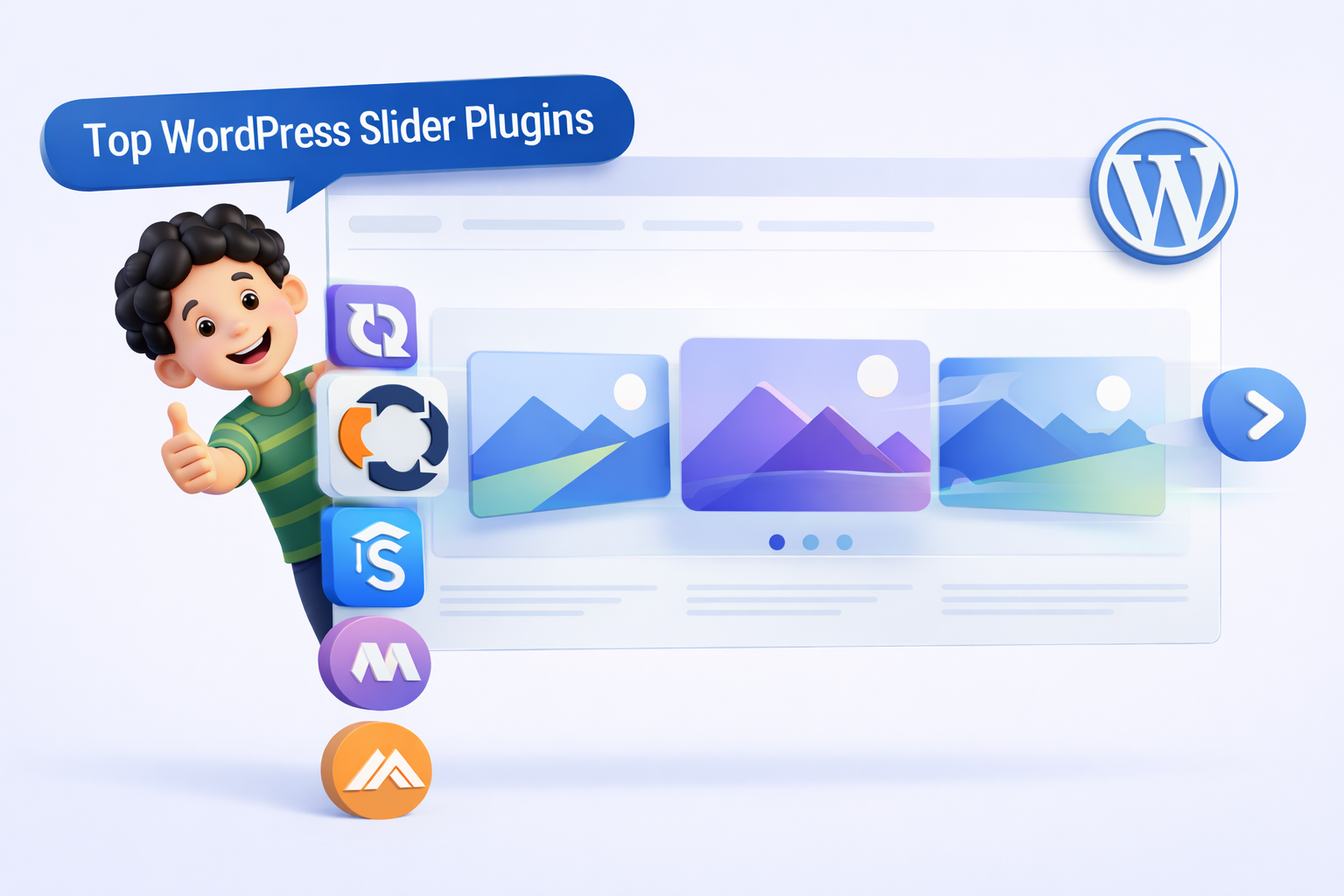
Top 6 WordPress Slider Plugins
Keeping the above-mentioned factors in mind, we have shortlisted the following WordPress slider plugins that balance performance, usability, and design:
Prime Slider

Prime Slider is an Elementor slider addon that lets you create and customize sliders directly inside Elementor’s drag-and-drop editor. You can build hero, post, WooCommerce product, testimonial and content sliders without coding. It offers 30+ free widgets, multiple skins and 75+ ready-made layouts for quick setup.
The plugin supports images, videos and text, along with interactive elements like buttons and navigation controls. You can customize layouts, typography, colors and animations to match your site design. It is fully responsive, SEO-friendly and optimized for smooth performance.
Prime Slider works seamlessly with Elementor and most WordPress themes, offering a familiar and efficient workflow. The free version covers common use cases, while the Pro version starts at $15/year and unlocks more advanced slider designs and widgets.
Pros:
- Works directly inside Elementor.
- Wide range of slider types and layouts.
- Includes ready-made templates for quick setup.
- Supports multimedia and interactive elements.
- Responsive and performance-optimized.
Cons:
- Requires Elementor to use.
- Advanced widgets and features require the Pro version.
Prime Slider is a strong choice for Elementor users who want flexible slider options with a balance of ease of use, design capability and affordable pricing.
Smart Slider 3
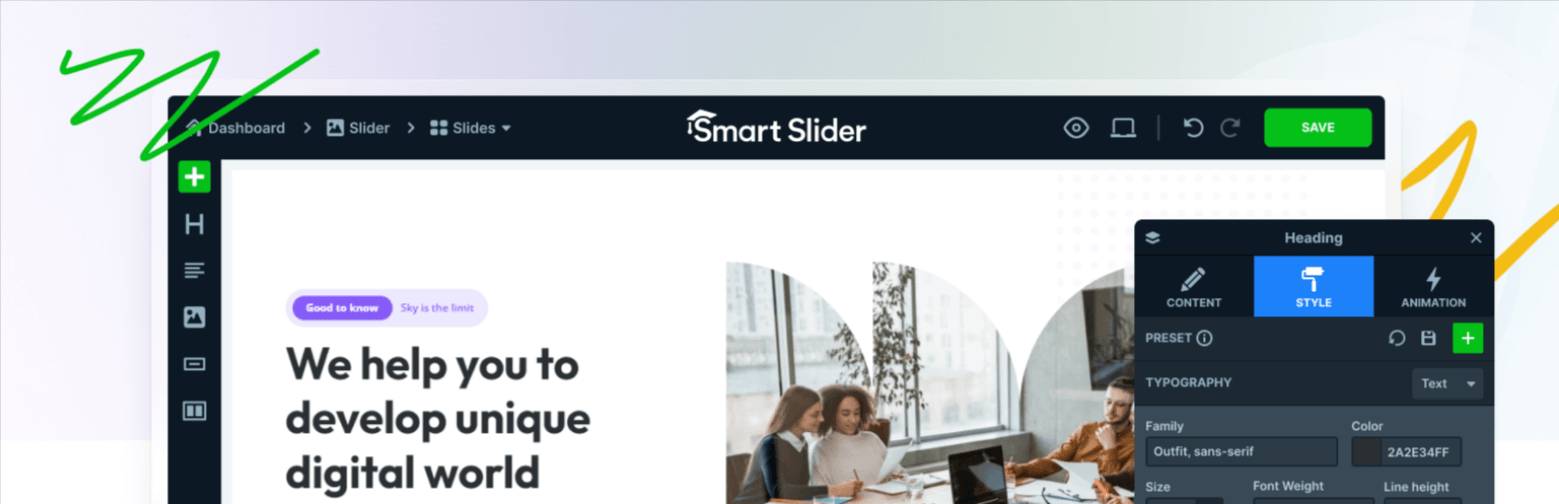
Smart Slider 3 is the most popular WordPress slider plugin among beginners because of its visual drag-and-drop interface, where you can see customizations in real-time. You can layer text over images, add buttons, and place videos without any coding.
Using the free version, you can create responsive sliders with basic animations and layered content, which works well for blogs, service websites, and small businesses. However, for advanced animation control, dynamic content options, and templates, you need to upgrade to the pro version (Starting at $49)
Pros
- Ease-to-use.
- Responsive and mobile-friendly.
- Performance and Design.
Cons
- Advanced features require the Pro version.
- Not ideal for complex animations.
Slider Revolution
Slider Revolution focuses on simple sliders, it treats every slide like a design canvas. You are not just changing images; you are controlling motion, timing, and interaction. This makes it possible to create large hero sections, animated headlines, video backgrounds, and visually rich layouts that feel more like a landing page than a slider. Because of this, it is widely used in marketing campaigns and brand-focused websites.
Slider Revolution is a premium plugin (starting at $59) that is often bundled with WordPress themes. While you may see it installed without paying separately, it does not offer a truly free version. The bundled version allows basic usage, but to access updates, premium templates, and official support, you need to purchase a separate license.
Pros
- Strong control over design and animations.
- Large collection of templates.
- Suitable for professional marketing layouts.
Cons
- Complex for beginners.
- Can slow down pages if not optimized.
- Premium pricing.
MetaSlider
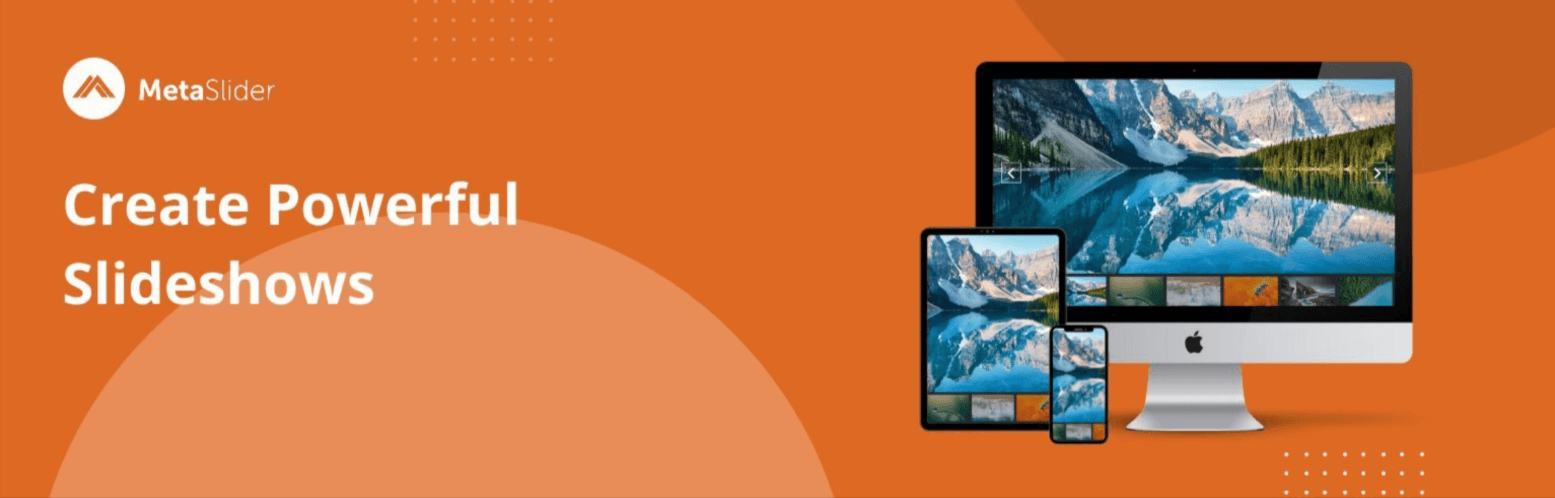
MetaSlider is perfect if you want quick results without dealing with too many settings. It focuses on doing one thing well: creating clean, fast-loading image sliders. The interface is simple, which makes it easy to understand even if you are new to WordPress. You upload images, arrange them, choose a transition, and the slider is ready.
The free version of MetaSlider lets you create simple image sliders using basic transitions, captions, and navigation controls. However, if you need more advanced slider types like video sliders, post sliders, or carousel layouts, or want extra customization options, you’ll need to upgrade to the Pro version.
Pros
- Easy to use.
- Lightweight and fast loading.
- User-friendly interface.
Cons
- Limited design and animation options.
- Not suitable for complex layouts.
Soliloquy
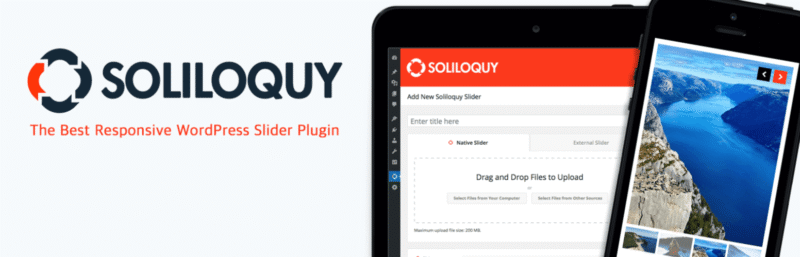
Soliloquy is a powerful WordPress slider plugin that allows you to create fast-loading image sliders without adding unnecessary complexity to your website.
The free version lets you build basic image sliders with simple transitions and navigation controls, which is enough for many standard use cases. However, if you want to create sliders using WooCommerce products, blog posts, or need more control through addons and advanced features, you’ll need to upgrade to the Pro version.
Pros
- Strong focus on speed and performance.
- Stable and reliable.
- Good WooCommerce integration.
Cons
- Advanced features require a paid plan.
- Fewer visual effects.
Master Slider
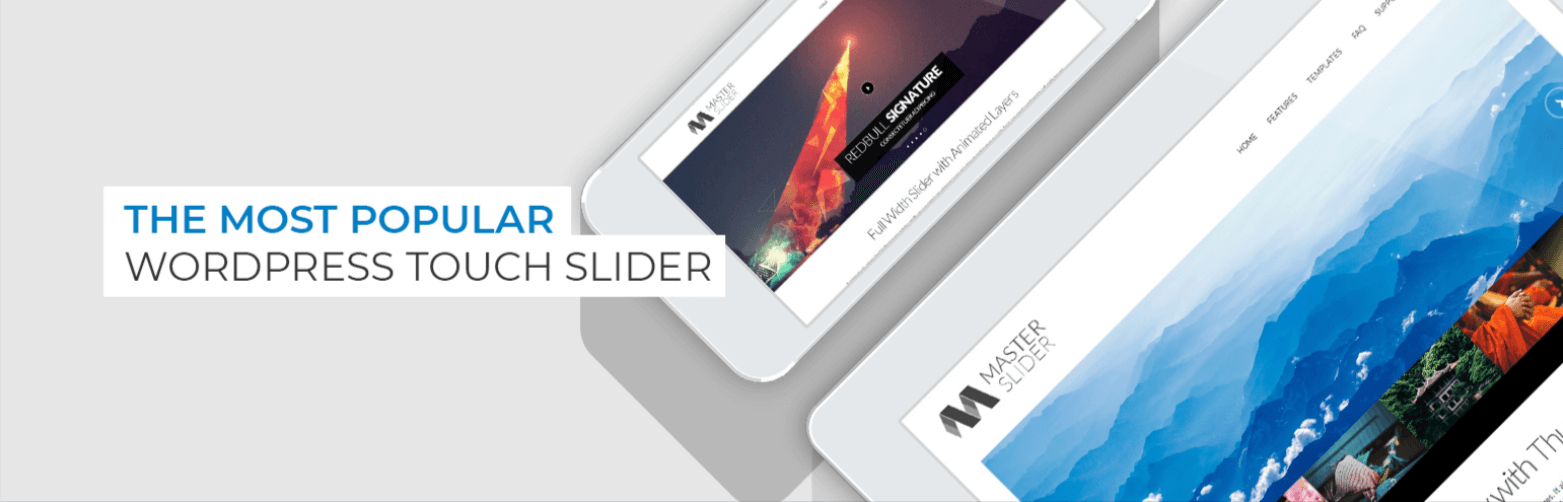
Master Slider is a responsive WordPress slider plugin that helps you create image and video sliders without making things complicated. It allows you to add text, buttons, and media inside slides and works smoothly on mobile devices with touch and swipe support.
The free version is suitable for creating basic sliders such as homepage banners, image galleries, or simple promotional sections. If you want more advanced options like full-width or full-screen sliders, post sliders, WooCommerce product sliders, and extra design templates, you’ll need to upgrade to the Pro version.
Pros
- Works well on mobile with touch/swipe support
- Supports both image and video sliders
- Smooth transitions and clean animations
- Good balance of features without overwhelming complexity
Cons
- Advanced slider types and templates require Pro
- Not as feature-rich as some premium visual builders
So, now you have five slider plugins for a WordPress website, which one makes sense for you?
Well, according to me, there is no single slider plugin that works best for every website. The right choice depends on what role the slider will play on your site.
If you want flexibility without complexity, Smart Slider 3 fits most use cases. If your website relies heavily on animation and visual storytelling, Slider Revolution is a perfect choice. If speed and simplicity are your main concerns, MetaSlider keeps things clean and fast. If you are running a store or a content-heavy site and want something reliable, Soliloquy focuses on performance and stability. For simple sliders and advanced layouts, Master Slider offers responsive design and flexible options without overwhelming beginners.
Keep in mind that how a slider works matters more than how impressive it looks. So, choose based on your site’s needs, not just visual appeal.